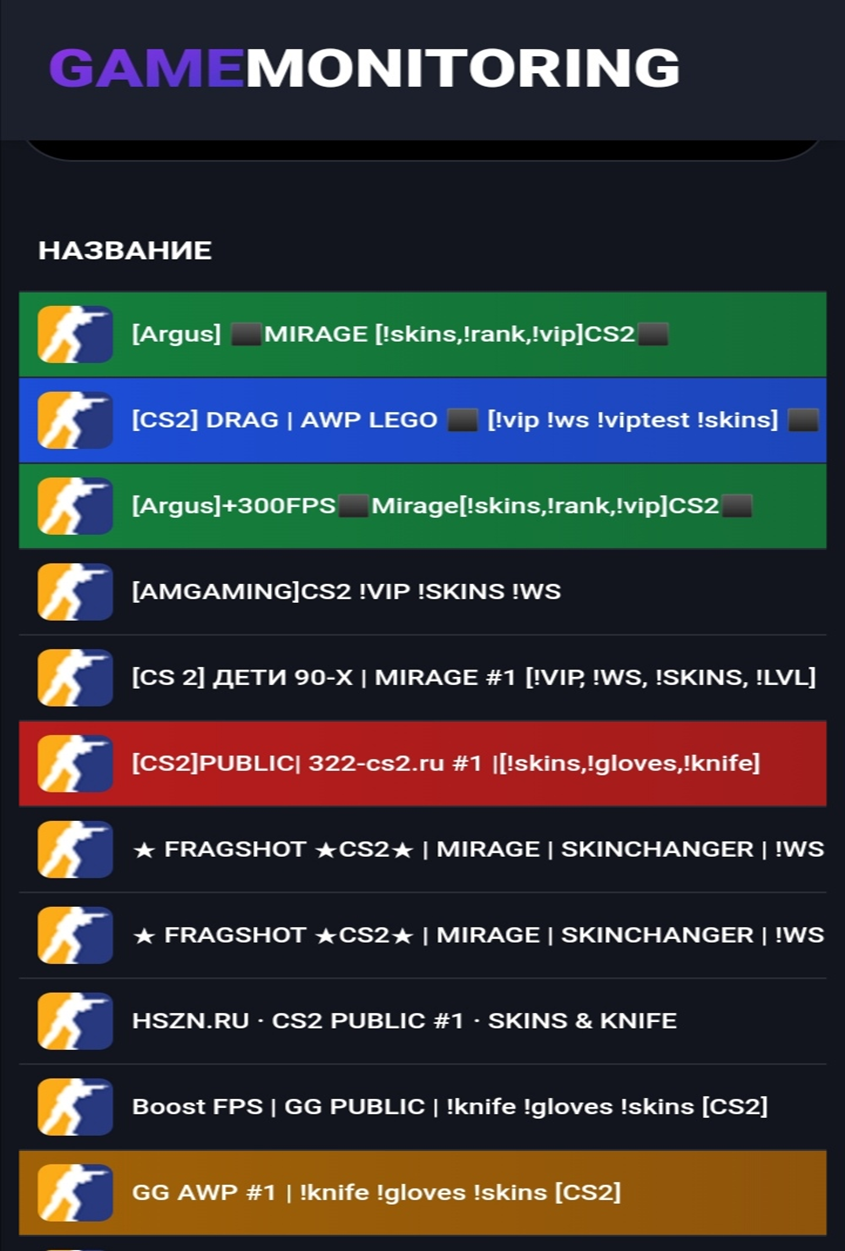
Not every kaeser now knows what CS2 servers with skins are. Several months have passed since the launch of the new version of Counter-Strike. On the Internet, you can find a huge number of servers with different modes. If you want, try DeathMatch (sometimes shortened to DM) and shoot until your fingers hurt and your eyes are red; if you want, you can quietly sneak around and look out for enemies through the scope of your sniper in the AWP mode; if you want, you can even have fun on a map stylized as Lego. On some servers, you can try free skins. They are easy to distinguish from other servers since admins usually indicate !skins next to the name. If you are interested in CS2 servers with knife skins, then look for !knives.
But there is a small “ambush” hiding here. The variety of weapon skins available depends on the admins — on what exactly they add to the server. But you don’t want to be completely dependent on them, do you?
Therefore, first, we suggest considering an option where you can create the desired skin for yourself during the match. Interesting? Want to try it? Then read on.
How to View an Interesting Skin on a CS2 Server (Part 1)
Why are we offering you this? So that you can study skins in a relaxed environment. To decide which ones you like best and which ones you don’t like so much. Then, on any server, it will be easier for you to quickly install the necessary skins and completely switch to the game. You won't have to stop exploring skins because enemies attacked you.
As always, it all starts with launching Counter-Strike. Next, you need to find out if your console is activated. Let’s say right away: if you haven’t activated it before, then it’s disabled. Do this in order:
1. Look for the gear icon. It is located on the left, in the upper corner. This will launch Settings.
2. You will see several tabs. Among them will be "Game". You should go there.
3. Among several options, find "Enable Developer Console". Set it to "Yes".
How to View an Interesting Skin on a CS2 Server (Part 2)

The console is launched using “~”. Naturally, if you don’t like this button, reassign it to another one.
Now your task is to copy this: connect (map name).epidemic.gg. You can use any map, for example, Mirage or Nuke. But only without parentheses. Of course, confirm with Enter.
You will be transferred to the selected map. Now go to your browser and type csinspect.com in the address bar. This is a site where you can look at any skin, add stickers, and then generate its code. And not just weapon skins — the resource allows you to change gloves and knives too, which is not available on every CS2 server with skins.
On the main page, click on the hamburger icon (three parallel lines). Go to "Craft". On the new page, click "Create new" and assemble the skin you are interested in from parts.
When finished, copy the code. It starts with !gen, followed by numbers — you won't miss it.
Return to your map. Open the chat. Important: chat, not the console. Paste your generated code and press Enter. If everything was done correctly, the skin will be applied to the item.