Players often look up how to unlink their account from FACEIT when an old profile is blocking access to CS2, Steam is linked to the wrong place, verification is stuck on a different account, or they just want a fresh start. Fully unlinking an account from FACEIT in the sense of removing the Steam ID or CS2 game ID isn't possible. FACEIT officially states that a CS2 game ID linked to an account cannot be changed or erased, even if the account is deactivated, deleted under GDPR, sold, or VAC-banned.
This is an unwelcome but important detail for players to grasp. The intuitive assumption is: delete the account, and Steam is free again. That's not how FACEIT works. Three separate things need to be distinguished here: disabling Steam login, deactivating the profile, and deleting personal data. Each action solves a different problem, but none of them lets you freely move Steam over to a new FACEIT account.
Can You Fully Unlink an Account from FACEIT?
Fully unlinking an account from FACEIT, if that means the Steam ID or CS2 game ID, is not possible. That's the key thing to understand before submitting a support request. FACEIT directly states that changing or removing a CS2 game ID isn't possible, and the rule applies regardless of the reason – deactivation, GDPR deletion, a VAC ban, or an account sale.
In practical terms, this means: once a player has connected Steam to FACEIT, that Steam account can't simply be 'freed up' and linked to a new profile. Even if the old account is no longer needed, the link to the game ID stays in the system. So requests to unlink an account from FACEIT usually run into platform rules, not a missing button.
What's the Difference Between Disabling Steam Sign In and Unlinking the Steam ID?
A lot of players confuse disabling Steam login with actually unlinking Steam. You can genuinely turn off Steam Sign In on FACEIT: go into integration settings and disable Login with Steam under Game Platforms. But this doesn't remove the Steam ID or free it up for a new account.
This is exactly where the confusion around unlinking Steam from FACEIT comes from. If a player just wants to stop logging in through Steam, the settings menu handles that. But if the goal is to unlink an account from FACEIT and move Steam to a different profile, that approach won't work. After disabling Steam Sign In, the old game ID is still tied to the FACEIT account.
From a regular player's perspective, this looks odd: there's a button to disable it, but no full unlinking option. FACEIT, however, separates the login method from the platform link itself. Signing in through Steam is just a convenient authentication method. The Steam ID and CS2 game ID are part of your actual game identity on the platform.
What Can You Actually Do in Each Situation?
Before reaching out to support, it helps to be honest about your actual goal. One player needs to recover access to an old profile, another wants verification removed, a third wants to close an account, a fourth wants to know why Steam won't connect. The right move depends on the goal, but in almost every case, the same rule applies: you can't fully unlink an account from FACEIT through settings.
This table makes it clear why there's no simple "click here and it's unlinked" answer. FACEIT is designed so that players can't freely hop between profiles, reset their stats, or work around restrictions. As a result, trying to unlink an account from FACEIT almost always comes down to a choice between recovering the old profile, deactivating it, or deleting your data.
Can You Unlink an Old FACEIT Account from Steam?
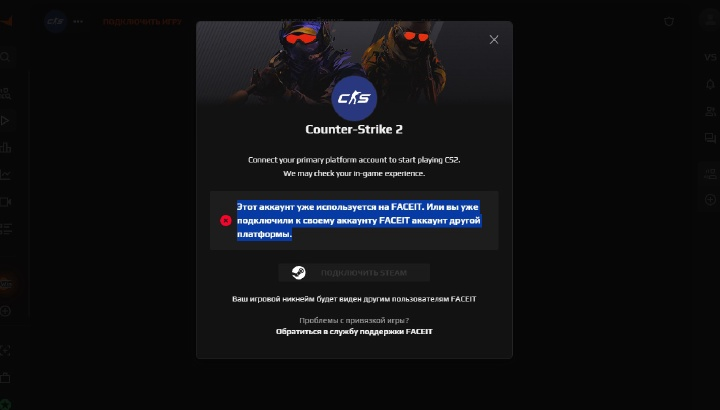
If a player is searching for how to unlink an old FACEIT account from Steam, the problem has usually already happened: Steam is linked to a profile they can't access, and a new account won't accept that Steam ID. In that case, the right move isn't creating yet another profile – it's recovering the old one. FACEIT specifically states that a Steam ID can only be connected to one account, and can't be added to another after deactivation.
FACEIT's Winline Mission FAQ repeats a similar rule: if a Steam ID is already linked to another FACEIT account, the player needs to contact support to recover that account. So the safe approach is: find the old FACEIT account first, recover the email or access to it, and only then decide what to do with the profile. Simply unlinking an account from FACEIT for a fresh start isn't an option.
Can You Unlink a CS2 Account from FACEIT?
The question of how to unlink a CS2 account from FACEIT is essentially the same as unlinking the CS2 game ID. The answer here is the strictest one: no. FACEIT officially states that a CS2 game ID cannot be changed or erased once it's linked to an account.
This matters most for players who want a fresh start because of low Elo, bad stats, or an outdated skill level. Deactivation doesn't reset Elo, doesn't carry stats over, and doesn't remove Steam from the profile. FACEIT explicitly lists that deactivation does not remove the Steam account, does not release verification, does not reset Elo or stats, and does not allow immediate play on another account.
So unlinking an account from FACEIT for a clean CS2 slate isn't an option. If the goal is to keep playing fairly without risking a ban, the right path is recovering access, going through support, and following the platform's official rules.
What Happens If You Deactivate Your FACEIT Account?
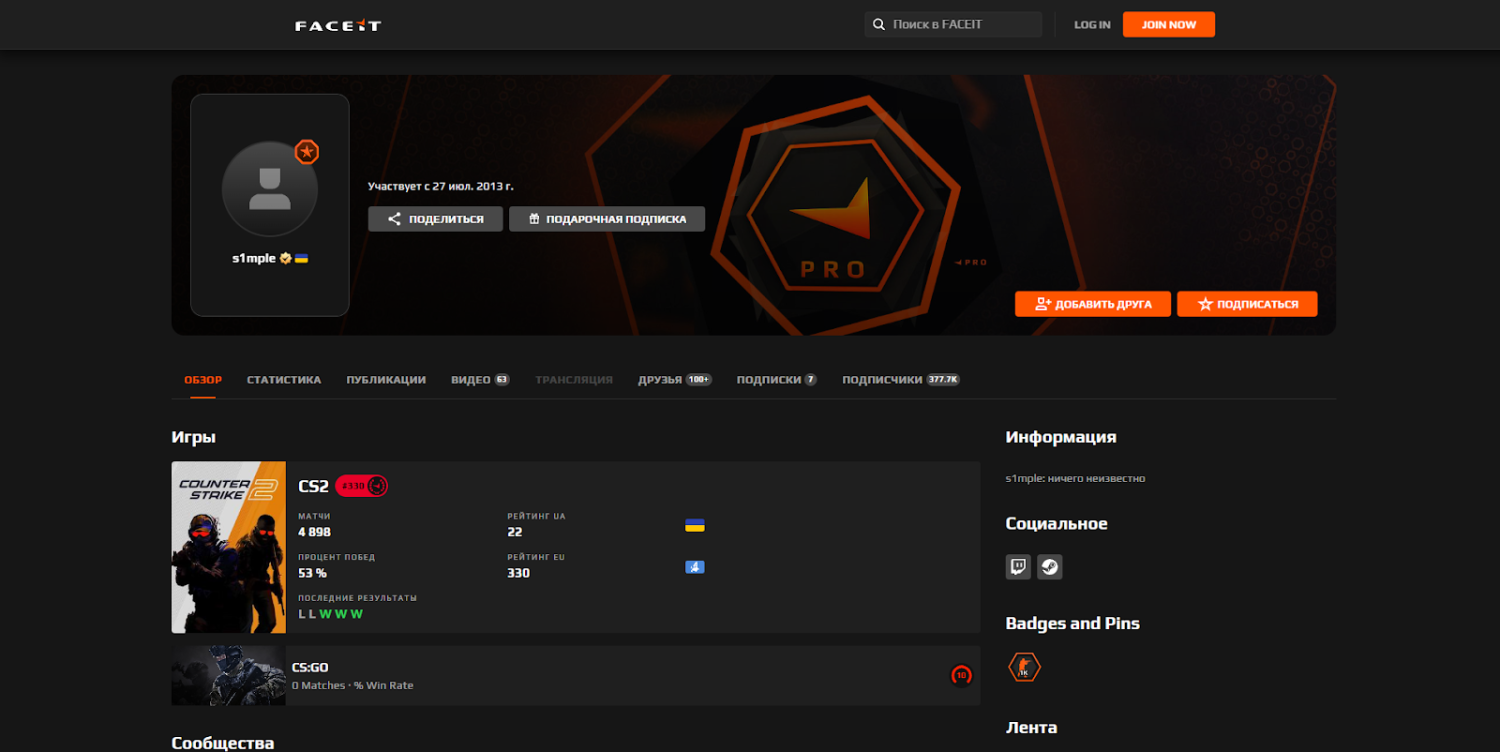
Deactivation isn't some magic button that wipes everything clean. FACEIT states that deactivation requires submitting a request through Support under Account and Game Management → My Account → Deactivate my account, while logged into the relevant account. Once deactivated, the profile can't be reactivated for 6 months, and creating a new account or playing on another one during that window is prohibited. Violating this can lead to a permanent ban on the new account and a ban of up to 12 months on the main one.
If a player was hoping to unlink an account from FACEIT in order to quickly switch to a different profile, deactivation won't help. It doesn't remove Steam, doesn't release verification, and doesn't grant the right to play on a new account right away. It's better thought of as a way to close down a current profile once you understand the consequences and are willing to wait it out.
The logic here is straightforward: deactivate → account closed → Steam and CS2 ID remain linked → a new account only after 6 months. This rule outweighs any "hack" suggested in forum comments. On FACEIT, trying to work around the rules can cost you not just the new profile, but your main account too.
How Is GDPR Deletion Different from Deactivation?
GDPR deletion is a request to remove personal data, not a standard account closure. FACEIT states that deleting an account requires submitting a DELETION request to support, selecting Legal Queries / Exercise Your Data Protection Rights / Report Illegal Content, then Personal Data Removal, and providing your account details.
But even a GDPR deletion doesn't mean you'll be able to unlink an account from FACEIT and move Steam or CS2 to a new profile. FACEIT's GDPR FAQ specifically states that Steam, CS2, or any game connected to a deleted account cannot be linked to a new FACEIT account. The same FAQ confirms that a new account can only be created 6 months after deletion or deactivation.
For players, the distinction is this: deactivation closes the profile, while a GDPR request deals with personal data. Neither option turns the old Steam account into something "free" for a new FACEIT account. So unlinking an account from FACEIT via data deletion isn't a working strategy either, if the actual goal is transferring the game ID.
How to Unlink Your ID Document from a FACEIT Account
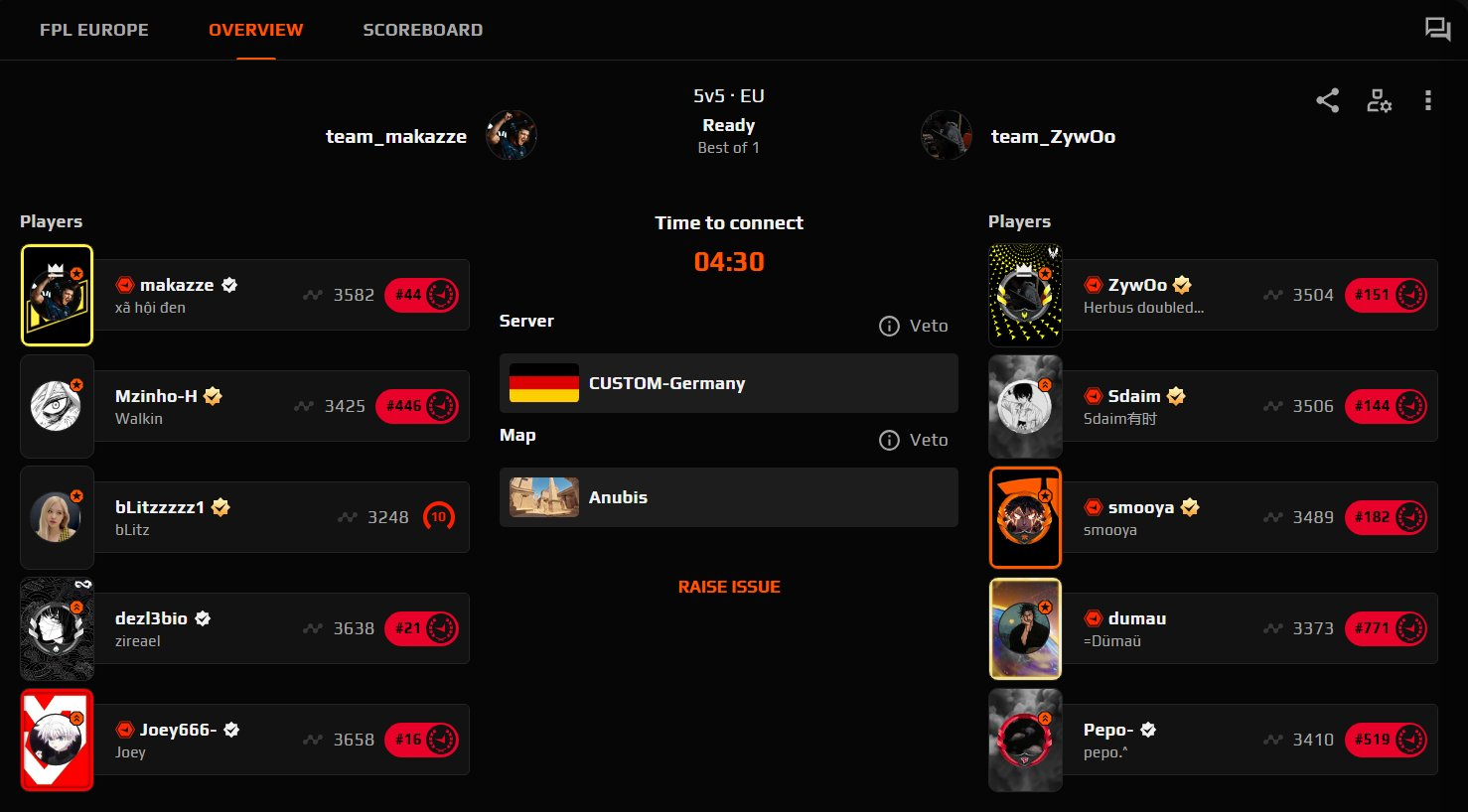
The question of how to unlink an ID document from a FACEIT account usually comes back to identity verification. It's worth being precise here: FACEIT doesn't offer a standard "unlink document" button. Their Verification FAQ states that the only way to release verification from an account is to delete the account. After deletion, a 6-month waiting period applies before re-verifying on a different account.
FACEIT also explains how verification data is retained. A copy of the ID document and its information is kept for 90 days after a verification attempt, then deleted from FACEIT's servers, including Daon's servers. After a successful verification, some data remains in a secured, hashed format so the platform can continue fighting multi-accounting and protecting match integrity.
If a player wants to unlink an account from FACEIT specifically because of their passport or verification, the consequences need to be understood upfront. Deactivation does not release verification. That requires an account deletion request, followed by the 6-month wait before re-verifying.
Can You Unlink Winline from FACEIT?
The situation with unlinking a Winline account from FACEIT is less clear-cut. FACEIT's official Winline Mission FAQ states that FACEIT and Winline accounts can be linked on the Missions page and in the account integrations section. If the link isn't working or the account is disconnected, FACEIT recommends contacting support.
The Winline Mission Privacy Notice states that FACEIT receives an encrypted partner user ID from the partner and links it to the FACEIT user ID for missions, prizes, and related processes. The Russian-language version of the notice also states that this personal data is automatically deleted if the user hasn't logged into their FACEIT account within the last 12 months.
No official standalone instructions for "click here to manually unlink Winline" appear anywhere in FACEIT's published materials. So the accurate advice is: check the account integrations section, and if there's a problem, contact FACEIT Support directly. It can't be promised that unlinking Winline is as simple as turning off Steam Sign In.
What Mistakes Do Players Most Often Make?
The biggest mistake is trying to unlink an account from FACEIT by creating a new profile. A player sets up a second account, hopes to link the same Steam ID, and then runs into an error or the risk of penalties. FACEIT explicitly states that players are only allowed one active account, and breaking that rule can result in a ban.
The second mistake is assuming deactivation removes all restrictions. In reality, deactivation doesn't remove Steam, doesn't release verification, doesn't reset stats, and doesn't allow immediate play on another account. The third mistake is confusing personal data deletion with transferring a game profile. A GDPR request deals with data, but it doesn't make Steam or CS2 transferable.
From a regular CS2 player's perspective, the rule is strict but logical: FACEIT is protecting rankings, match history, the anti-cheat environment, and the verification system. Instead of looking for a workaround, it's better to go straight for the official path. Lost access – recovery. Need to close a profile – deactivation. Need data removed – a GDPR request. Want to unlink an account from FACEIT in order to use a new Steam account on a new profile – there's no official way to do that.
Quick Answers to Common Questions
Can You Unlink Steam from FACEIT and Link It to a New Account?
No. A Steam ID can only be linked to one FACEIT account, and it can't be added to a different one after deactivation. Unlinking an account from FACEIT to move Steam to a new profile isn't possible.
Can You Disable Login Through Steam?
Yes. Steam Sign In can be disabled in integration settings, under Game Platforms. But this only disables the login method – it doesn't remove the Steam ID from the account.
Can You Delete a CS2 Game ID?
No. FACEIT officially states that a CS2 game ID cannot be changed or erased once linked to an account. This rule applies even with GDPR deletion or deactivation.
Can You Remove Verification Without Deleting the Account?
No. FACEIT states that the only way to release verification is to delete the account. After that, a 6-month wait applies before verifying on a different account.
Can You Create a New Account Right After Deleting the Old One?
No. After deletion or deactivation, you need to wait 6 months. Breaking this rule can result in FACEIT fully removing the player from the platform and blocking any new accounts.
The Bottom Line: What Should a Player Do?
In short, you can't fully unlink an account from FACEIT in the sense of transferring Steam, the CS2 game ID, Elo, stats, or verification to a different profile. You can disable Steam login, you can deactivate the account, you can submit a GDPR request to delete your personal data – but Steam and CS2 will never become free for a new FACEIT account.
The right move depends on the reason. If you simply can't log in, recover access. If the profile is no longer needed, consider deactivation. If it's about personal data or your ID document, an official deletion request is the way to go. But if the goal is to quickly unlink an account from FACEIT and start CS2 fresh on a new account, there's no official path to do that.