Replenishing a Steam wallet has become more difficult for users in Russia. It is currently not possible to pay directly with Russian cards to purchase games on Steam, so you have to use third-party services. They often require actions in several stages, at each of which you have to pay a commission.
Steam payment methods in Russia
For example, for a long time gamers topped up Steam wallets using Qiwi. It was necessary to transfer money to a wallet in this service, convert it into tenge, and then send it to your account. After the closure of Qiwi in Russia, this method also stopped working.
There remains the option of topping up using third-party services. Their main drawback – high commission, which can exceed 10%. In addition, when replenishing, conversion occurs, and the rate may also turn out to be unfavorable. Such services do not always work automatically, and as a result, the wait for a transfer can take several hours. When choosing how to top up your Steam wallet, you have to carefully study reviews so as not to lose your money.
How to top up your wallet with skins?
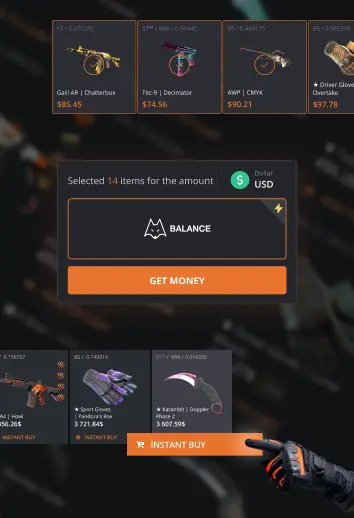
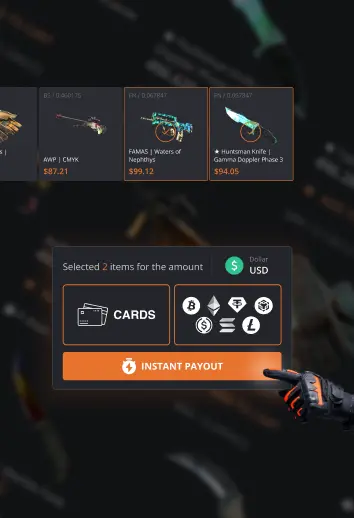
If you have items such as CS2 skins in your inventory, you can use an alternative solution – sell them on the internal trading platform, and use the received funds to buy games. Funds from such transactions are credited to your wallet immediately.
Often, replenishing your wallet with skins for CS2 is more profitable than using third-party services. For example, you can buy USP-S Purple DDPAT as “Minimal Wear” for 1242 rubles. On the official Steam trading platform, applications for the sale of a similar skin start from 1,705 rubles and above. Even if you take into account the commission that Steam takes from each sale (it is 15%), you will receive about 1,490 rubles. In practice, you may need to set the price a little lower to sell the skin faster, but in any case you will win. The only drawback of this method – additional time costs. You have to wait until the trade restriction is lifted from the skin, and then sell it.
To get the maximum benefit from resale of skins and replenish your Steam wallet without delays, select those items in the catalog that do not have a hold, so that they immediately go into your inventory. Pay attention to the mark that indicates how much the price in our catalog is lower than the price on Steam. For some copies, the difference reaches 30%.
Thus, by buying a skin on Lis-Skins.com and selling it on the trading platform, you can receive funds to your Steam wallet. These can then be used to purchase games. Use our service to replenish your wallet securely and without extra fees.