Both veterans and newcomers in CS2 know that without fine-tuning gameplay, matches can turn into real hard mode. In competitions, this is crucial — every millisecond counts! One of the cringiest moments is jumping with Space. Seriously, who even plays like that? Therefore, seasoned players immediately set up binds, assigning jump to scroll — not just for convenience, but it genuinely enhances your mobility. Bunny hopping becomes easier, meaning you can stylishly distribute headshots and carry matches!
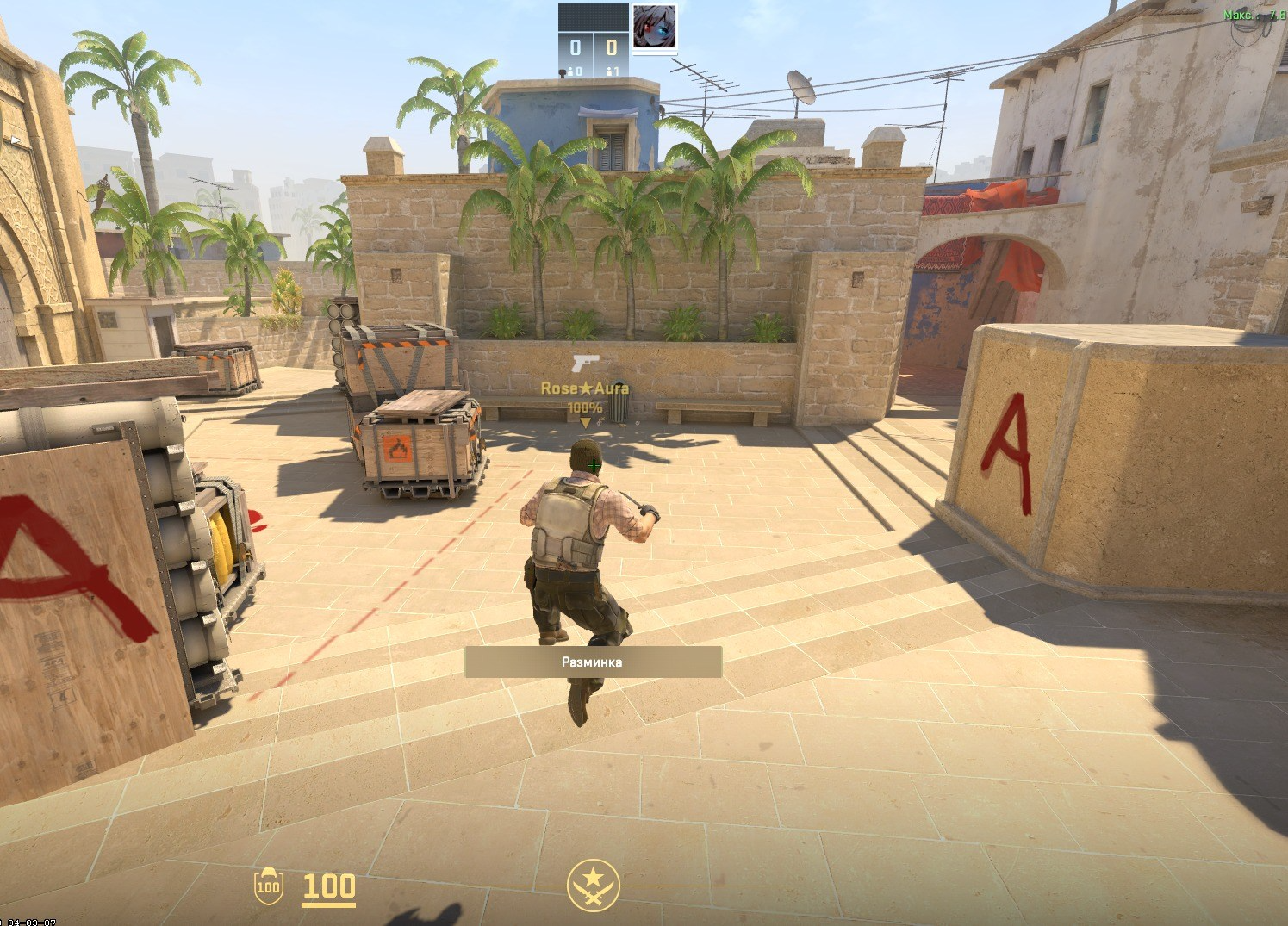
Why Should You Bind Jump to the Mouse Wheel?
Jumping is an action necessary for using bunny hopping — a technique of moving around the map that allows you to move faster than running. Players sometimes refer to bunny hopping as bunny jumping.
Setting a jump bind to the mouse wheel has several advantages. These include:
Faster reaction. Scrolling the wheel is quicker than pressing Space, so you can gain speed.
Easier execution of bunny hops. Such tricks are much easier to perform by scrolling than by keypresses. Players claim that jumps performed using the mouse wheel improve visuo-motor coordination.
More natural movement. Most players find using the wheel more natural than pressing a button.
Bunny hopping is not just a way of moving but an art in CS2. If you want to skill up in it, be ready for some hardcore grinding — without practice on special bhop maps, you won’t get far. But here’s a nuance: bhop might not work on public servers because anti-cheat or server settings might cut this feature. So if you dream of flying across the map like a silencer on eco, you’ll have to find verified servers or train solo.
An Easy Way to Bind Jump to the Mouse Wheel
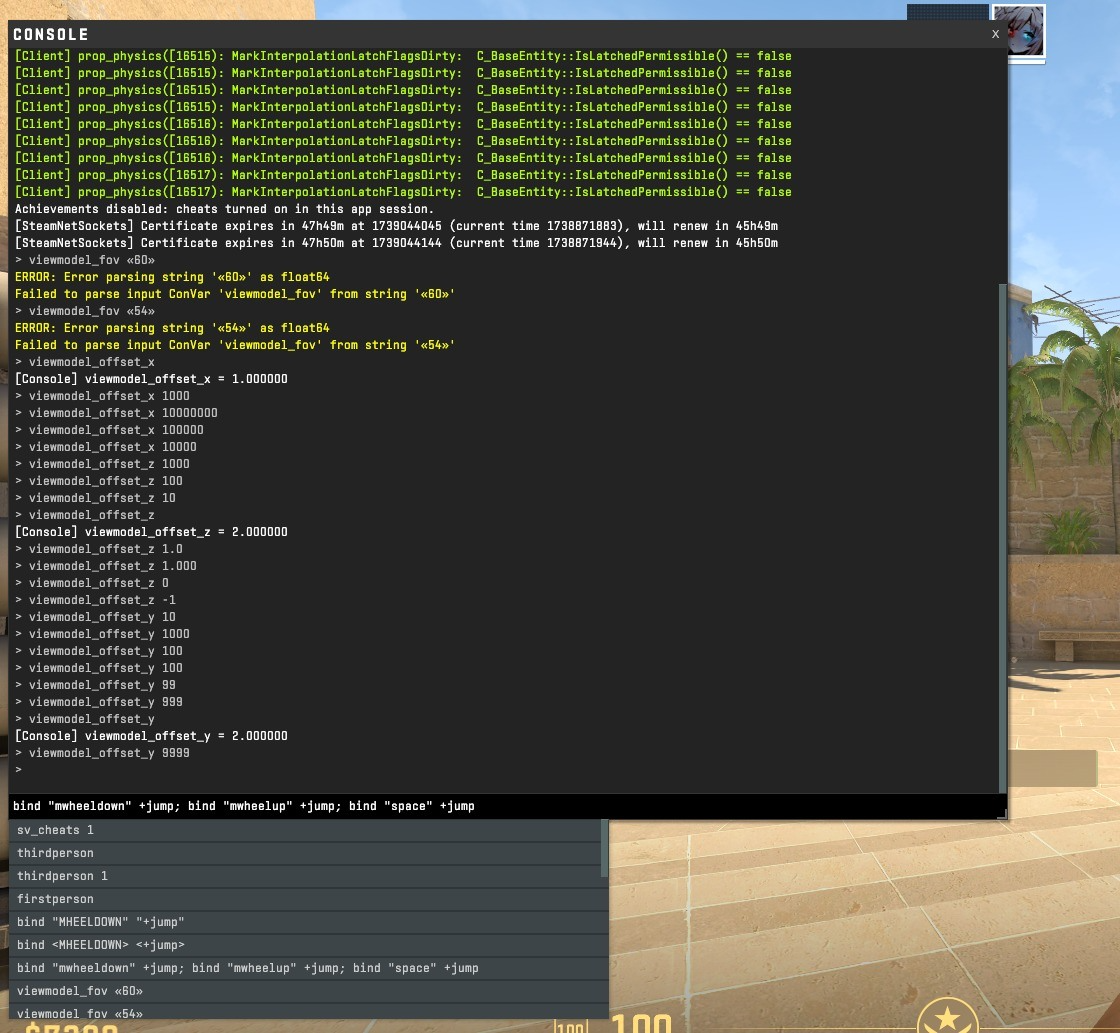
Setting up jump on the mouse wheel instead of the Space button is very simple — anyone can do it.
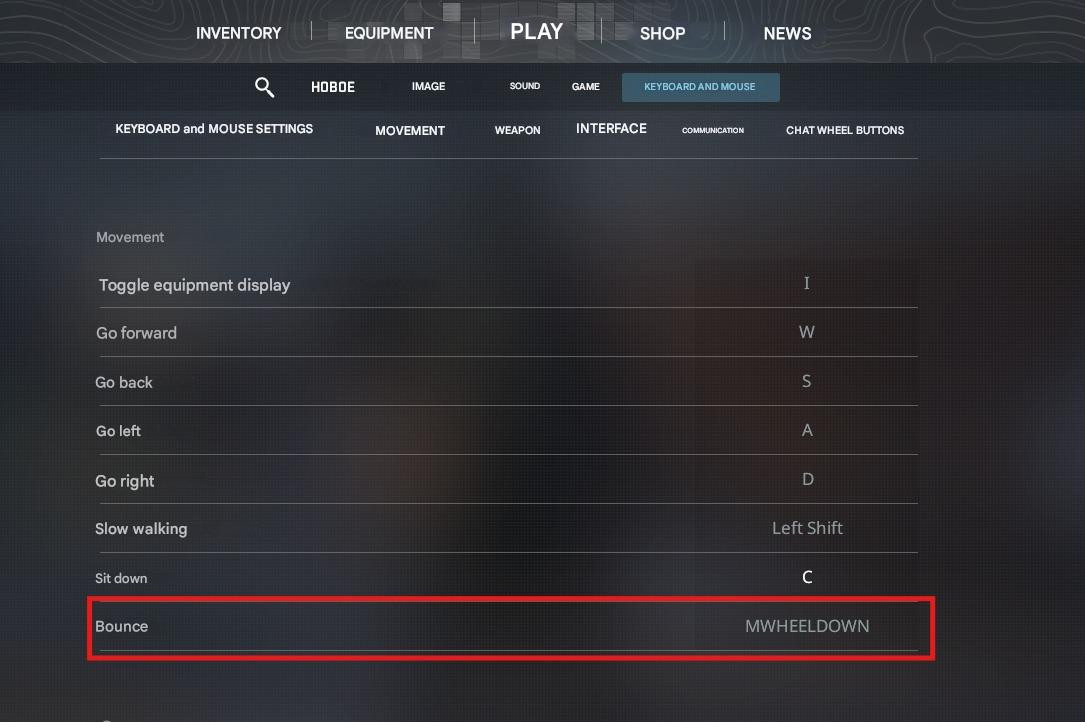
The simplest way to make this bind is through the in-game settings. Go to the "Keyboard and Mouse" section, find the line responsible for jumping, click on it, then bind the action to a new key — in this case, the mouse wheel.
If you want to fully customize your gameplay, you can’t do without the developer console. It’s your passport to the world of hardcore settings! If you haven’t messed with it before, first you need to unlock it: go to the CS2 settings, go to the "Game" tab, find "Enable Developer Console," and click "Yes" — and you’re good to go! Now you can bind jump to a convenient button and elevate your skill to a new level.
To do this, open the console and enter commands to bind jump. To replace the key currently responsible for this command with mouse wheel scrolling, enter the following combination:
bind mwheeldown +jump; bind mwheelup +jump
After this, you can perform a jump by scrolling the mouse wheel both up and down.
If you want to set the jump only when scrolling up, enter this command:
bind mwheelup +jump.
To bind it for scrolling down, you'll need this command:
bind mwheeldown +jump.
To keep the ability to jump with both the key and the wheel, you need to enter this combination:
bind mwheeldown +jump; bind mwheelup +jump; bind space +jump
To unbind, you need to enter the following command:
unbind N — where N is the key you want to unbind.
Recommendations for Using the Wheel Jump
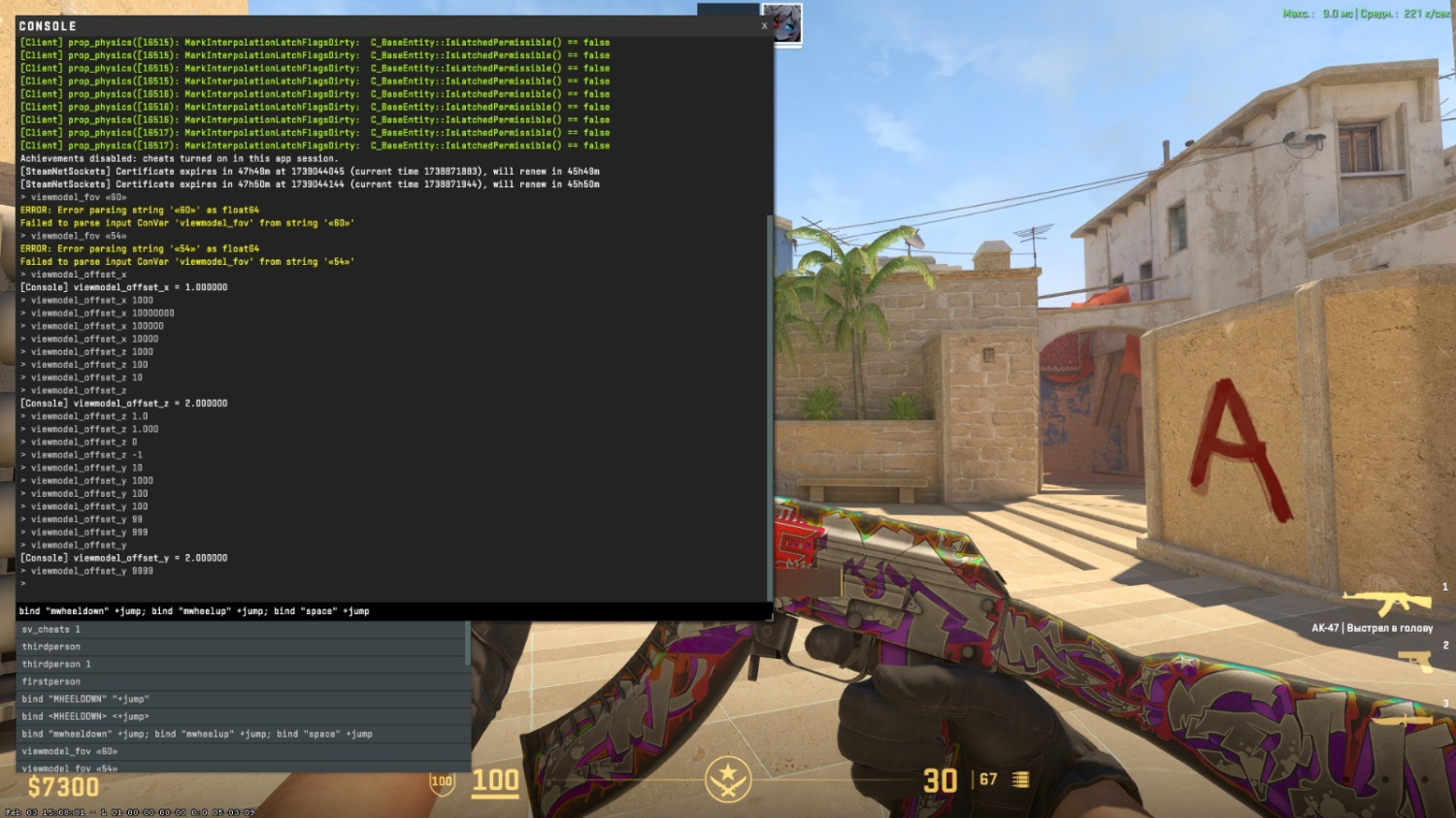
Binding jump to scroll is not just a trendy feature, but a real upgrade to your gameplay. But don't think that after one click in the console you'll instantly become a bhop machine — you need hardcore grinding. Only through practice will you get used to the new mechanics and start getting the most out of this move. So train, master the timing — and over time, you'll be flying across the map like a boss in his prime!
Experienced players recommend not removing the jump from Space, i.e., using this function with both the wheel and the key.
After reassigning, it is recommended to play with bots a bit to check how the new setting works. Check if it's convenient for you to use this function.