Today, many players want to figure out how to view a skin’s pattern in CS2 — because that’s what determines an item’s uniqueness and value. CS2 skin patterns have become an integral part of the in-game economy: they affect not only how a weapon looks but also its market price. The difference between two seemingly identical skins can reach hundreds or even thousands of dollars. Understanding this system helps both collectors and traders make more informed decisions when buying, selling, or swapping inventory.
CS2 skin patterns are not just a numeric index but a true system of visual and market differentiation between items. That’s exactly what we’ll cover here: what a pattern is, how to identify it, why it matters, how it influences price, which patterns are rare and visually appealing, and how to use all of this in trading.

What Are CS2 Skin Patterns
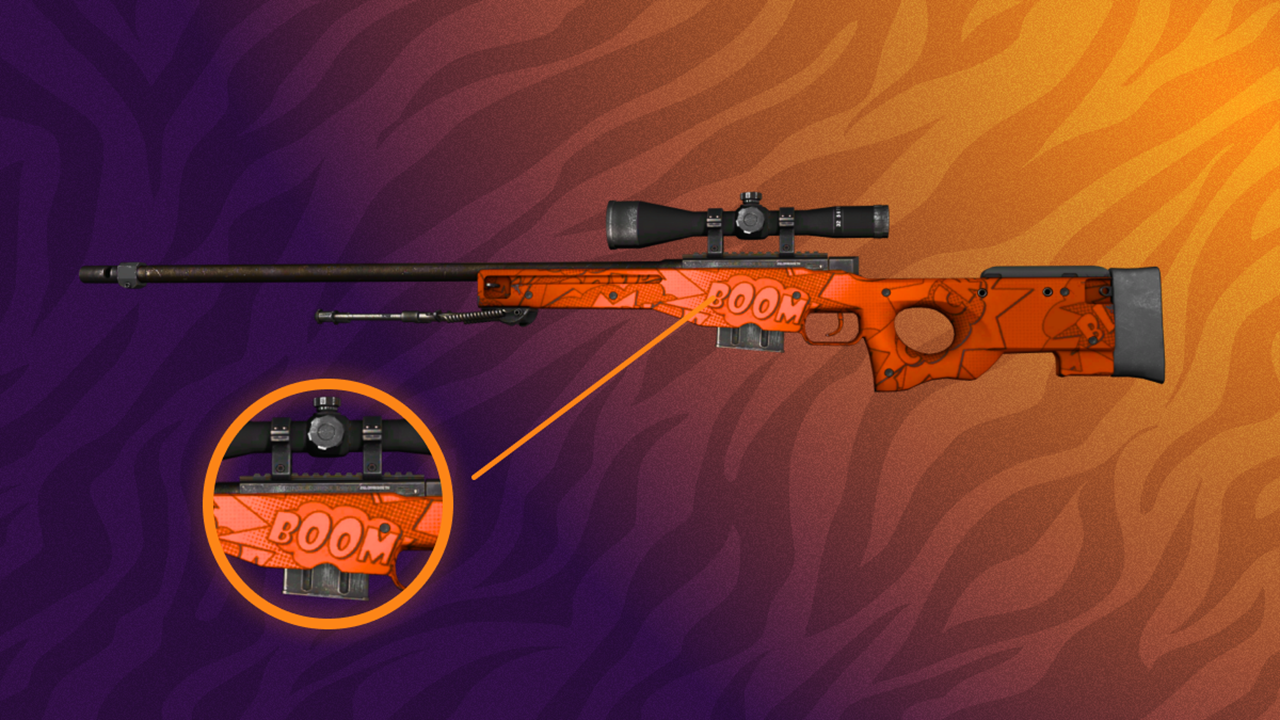
In the context of CS2, the term “pattern” refers to the template that maps a texture onto a skin. When each weapon instance with a given design is generated, the game randomly selects which part of the texture appears on the model. This means two identical skins — say, AWP | Gungnir — can look completely different due to how the details of the pattern are positioned.
This template is what’s called a CS2 skin pattern. Every pattern has a unique number — the pattern index — ranging from 0 to 999. That index determines exactly how the skin will look on the weapon. Some patterns produce an especially desirable or rare texture placement, making those items more sought after and more expensive.
The pattern system makes each skin potentially unique, even if they share the same name and rarity. This is especially important for texture-driven finishes where placement is critical: marbled swirls, blueing on steel, webbing on Crimson Web, or the candy-like gradient on Fade.
CS2 skin patterns add depth to collecting: some players hunt for the most aesthetic examples, others for those with the strongest investment potential. Which means understanding and analyzing patterns is a key skill for anyone serious about their inventory.
How to View a Skin’s Pattern in CS2
You can identify a skin’s pattern using in-game tools or external services. Let’s start with the simplest method — through your inventory:
Open your CS2 inventory.
Find the skin you want and right-click it.
Select “Inspect in Game.”
After the inspect loads, look at the panel in the lower-left corner: you’ll see the Pattern Index (sometimes just “pattern”) — a number from 0 to 999.
However, visually determining which pattern “type” your item belongs to — especially for collectible or rare variants — can be tricky. That’s why players actively use third-party tools:
CSFloat Market / CSFloat.com — one of the most popular tools: paste the inspect link to get float value, pattern ID, and comparison against known patterns.
BUFF.163 — a Chinese marketplace that shows item characteristics and market prices in CNY. With an extension, you can analyze specific patterns.
Inspect.CSGO — generates a clear visualization of the skin and lets you manually search for desired examples by pattern ID.
For deeper analysis, traders often rely on:
Browser extensions like “CS2 Pattern Finder” — automatically highlight rare and valuable patterns in your inventory.
Telegram bots (e.g., PatternCheckerBot) — enter a pattern ID to get its category and market value.
Databases on CSGOFloat or csgo.exchange, where you can filter items by index, float, and other attributes.
It’s also useful to compare your skin to known high-value examples. Many patterns — especially rare CS2 skin patterns — have their own numbering and reputation within the community. Simply enter a pattern index in a Reddit search or on a Discord server to find galleries with images and market stats.
Even if you’re not a trader and just want a skin that’s satisfying to use in matches, knowing nuances like CS2 skin patterns helps you make a deliberate, personal choice.
How Patterns Affect Looks and Price
The most pronounced pattern effects are seen on knives and rifles with bold textures and dynamic finishes. These skins often attract both collectors and investors due to their strong visual and market value.
Take the Doppler knife series, for example. They have several unique patterns: Ruby, Sapphire, and Black Pearl. These result from special texture placement and do not use the standard Phase 1–4 coloring. Knives with a Ruby pattern are often $500–1500 more expensive than their phase counterparts due to the vivid red hue and limited supply.
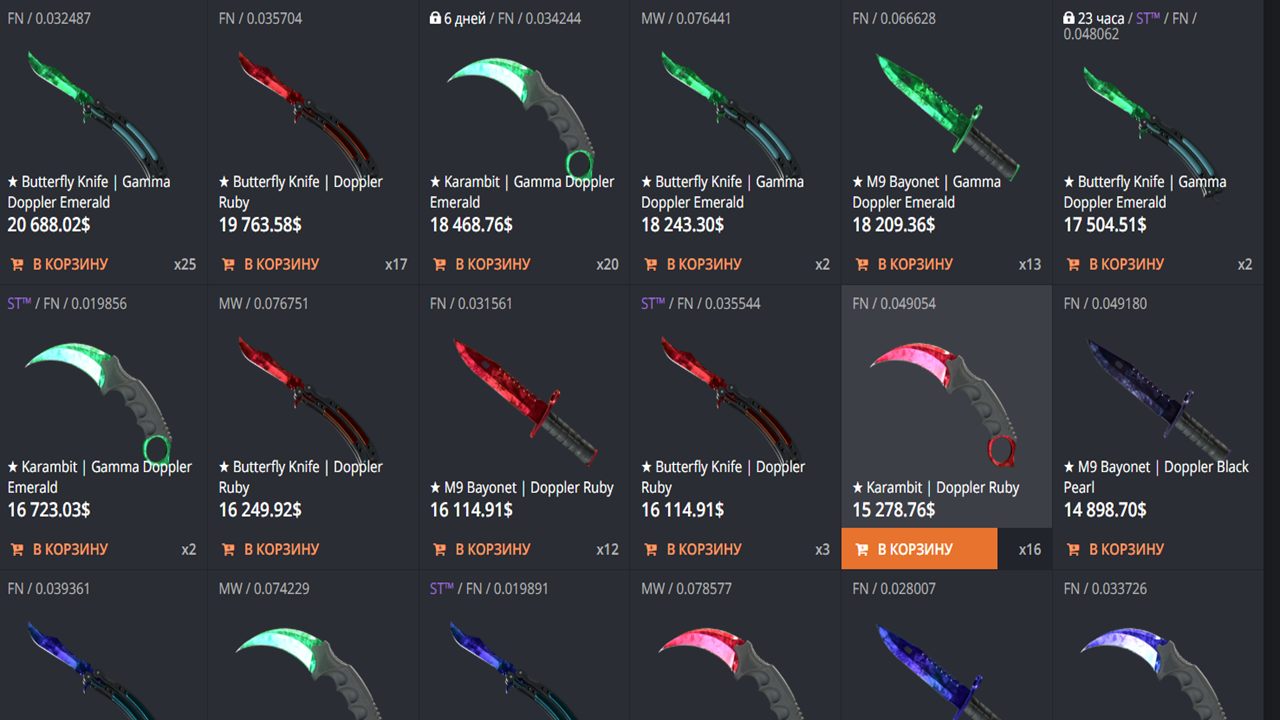
Another standout is Case Hardened — one of the most iconic pattern-driven finishes. Its texture is a random distribution of yellow, blue, and purple patches. The more blue coverage, especially on the blade, the higher the value. Pattern #387 on a Karambit Case Hardened is considered the best Blue Gem and is worth over $100,000 — the gold standard for rare CS2 skin patterns.
Also noteworthy is AWP | Gungnir. It doesn’t have “knife-style” patterns, but certain pattern IDs produce an especially harmonious rune layout. A beautiful pattern on the Gungnir skin in CS2 — with symbols aligned along the body, symmetrical and uncut — stands out visually and can raise the price by 15–25%.
A simple example: two M9 Bayonet | Case Hardened skins with the same 0.01 float can sell for $600 and $6000 respectively — purely because of the pattern difference.
Within the trading community, pattern “pricing tiers” are common:
Tier 1 — the rarest and most coveted patterns, typically the top ~10 IDs with the best visual composition.
Tier 2 — good but not perfect patterns, falling short only in aesthetics or coverage.
Tier 3 — standard patterns without unique value.
Knowing these categories lets you evaluate a skin not only by float or rarity, but also by pattern — crucial for trading and building an investment-grade inventory.
Types of Rare Patterns and How to Find Them
Among all skins, rare CS2 skin patterns attract the most attention from collectors and investors. It’s the combination of unique visuals and low drop frequency that matters. Veteran traders know the chance of a truly rare example is tiny — but that’s where the biggest upside lies.
Here are a few categories everyone hunts for:
Blue Gem (Case Hardened) — maximum blue coverage, especially on the blade. The most famous example is a Karambit with pattern #387, regarded as the best Blue Gem in the game. Its price has exceeded $150,000 in the past. It’s not just beautiful — it’s an investment asset.
Full Fade — a gradient finish with color coverage as close to 100% as possible. For AWP Fade, examples where the purple-to-yellow transition spans the entire surface are especially prized.
Crimson Web with centered web — a rarity where the circular web lands perfectly in the middle of the blade. Highly popular with collectors for its symmetry and “perfect” look.
Marble Fade Fire & Ice — a pattern with no yellow at all, only blue and red. A true knife classic. Clean, unmixed color separation is the most valued.
StatTrak with “iconic IDs” — some collectors specifically seek serials like #000, #666, or mirrored combos such as #123 or #321. It’s a vanity detail, but it carries weight in niche circles.
How do people find these patterns? It all comes down to experience and tools. Players use:
Telegram bots (e.g., PatternCheckerBot) — quickly check an ID in chat and get a short description or gallery link.
csgo.exchange and similar databases — sort items by pattern, float, price, and rarity.
Discord communities — rankings, analyses, and sometimes trades between vetted traders.
Inventory extensions — e.g., Inventory Helper or BUFF add-ons that display key values right in your Steam inventory and flag rare patterns.
By understanding how CS2 skin patterns work, you can do more than “chase pretty ones” — you can assess market potential. Some traders literally sift through thousands of IDs by hand in search of the one — and sometimes it pays off big time.
Aesthetic Patterns and Subjective Taste
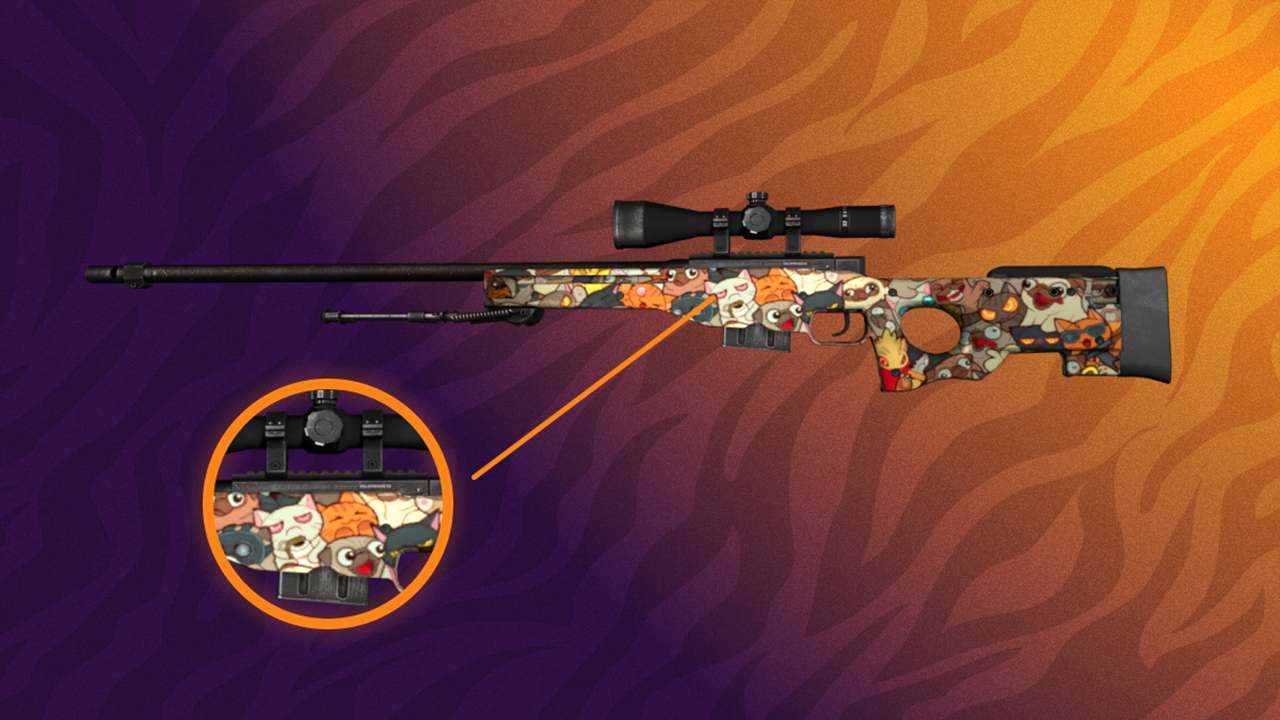
Not all expensive patterns are beautiful, and not all beautiful ones are expensive. Every player has their own idea of visual appeal. Some prefer blue accents, others symmetry.
Even a beautiful pattern on the Gungnir skin in CS2 might not be pricey if it isn’t among the “officially” valued ones. Still, such pieces often become a collector’s personal pride.
Many players curate galleries: on Reddit, Steam, and Discord you can find community picks for the best patterns. These discussions show that CS2 skin patterns are about more than money — they’re also about visual taste.
Some players deliberately seek unusual, underrated patterns to stand out.
How to Use Pattern Knowledge in Trading
Any seasoned player will tell you: a pattern isn’t just a visual element — it’s a real pricing factor. For traders, understanding CS2 skin patterns is one of the biggest edges. It’s not magic; it’s analysis that can yield tangible returns.
First, skins with rare patterns are often listed at standard prices when sellers don’t realize what they have. This happens frequently on marketplaces like Steam Market or Buff, where the pattern isn’t immediately obvious. If you know what to look for, you can snag a genuine deal and resell for profit. For example, a Karambit Case Hardened with a Blue Gem pattern priced at $1100 was resold for $2000 — simply because the buyer knew #832 is among the rarer IDs.
Second, you can deliberately hunt specific indexes. Some people manually browse thousands of listings; others use bots and filters. With a target ID list and a clear picture of what’s worth chasing, you’re a step ahead. Many collectors actively hunt top-tier patterns and will pay a premium.
Third — the float + pattern combo. The ideal case is a rare pattern with a float of 0.01 or lower. These are in the top 1–2% for quality and visuals, which can instantly add 30–50% to the price — sometimes more.
This knowledge turns trading from a luck-based game into analysis: check the ID, assess the pattern, verify the float, then decide whether to buy. CS2 skin patterns are the foundation of a rational trading approach. Most importantly, always keep a list of valuable IDs handy and don’t be afraid to manually re-check every item — especially if it’s listed cheaply.
Informed Choices: Putting Pattern Knowledge to Work
CS2 skin patterns aren’t just numbers. They’re an item’s visual identity, rarity, and value. Once you understand them, you can make smarter decisions and discover standout pieces.
Beginner’s checklist:
Check the pattern before buying. Do it in-game or via CSFloat.
Use spreadsheets and community resources. They’ll help you gauge how valuable your piece is.
Don’t fixate on price alone. Even if a pattern isn’t rare, it might be beautiful to you.
And finally — how to view a CS2 skin’s pattern is no longer a mystery. Put the knowledge into practice and build a unique inventory with intent!