Still don’t know how to buy CS2 skins? Then you've come to the right place — Now we’ll tell and show everything. There are actually plenty of options for purchasing decent game values, but 90% of them rely on slippery schemes, unverified sites and outright fraud, which Steam is constantly trying to combat.
Our task — show you how to create a safe transaction, which resources you can trust, and how not to lose your account in an attempt to chase suspiciously cheap skins. Even if their cost may be 5 or even 10 times lower than the market price.
Official Steam Platform
First, let's look at how to buy CS2 skins on Steam, since this is the first place where the vast majority of gamers and experienced fighters will go. What is the advantage of this solution:
Security. If the account is linked to mail and phone, and two-factor authentication and Steam Guard are enabled — the transaction is not in danger;
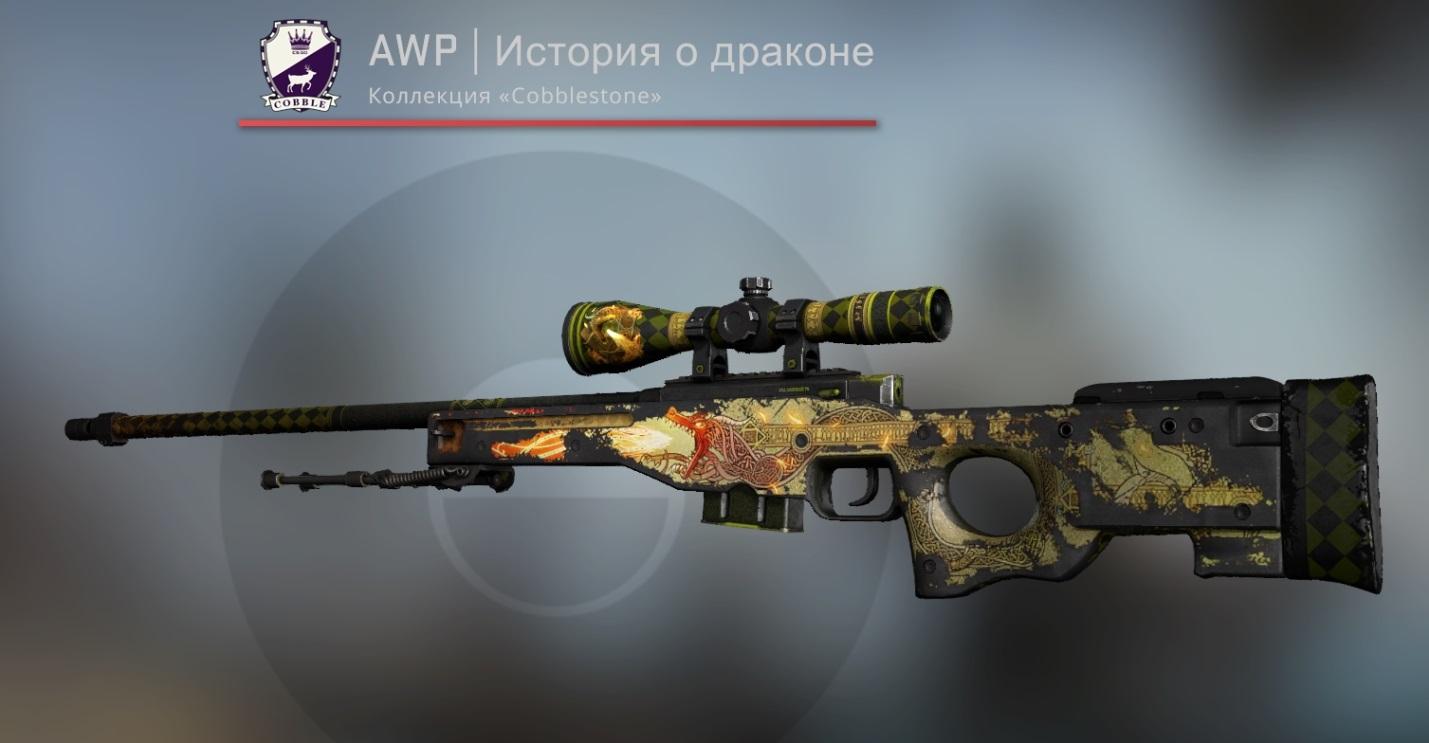
Selection. Whatever the largest skin stores offer, the “officials” the number of interesting and unique items is always an order of magnitude greater. Let's imagine that you need to buy a rare AWP | Dragon Lore that gamers around the world are chasing.
Open the Steam store, enter the required value and voila — list of offers with the desired skin.
Here you can see the current price dynamics, the number of available goods from other users and other useful information (collection, degree of wear, general exchange data).
Also, you can always examine the item in the game to see the condition of the weapon and think about whether you need it in this form.
This is how a hypothetical Dragon Lore would appear in battle. Considering that this model is Battle-Scarred and does not look very — It's not the best investment. Although everyone has different tastes.
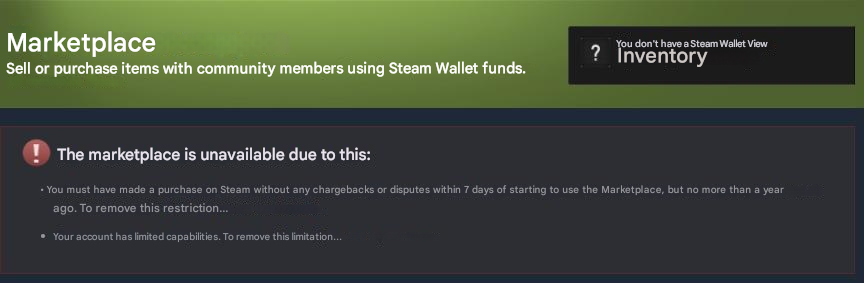
Let’s say right away that you can’t just buy anything on Steam — You must first add funds to wallet with at least $5, which is described in detail in the user agreement. Otherwise, you will see a sign like this.
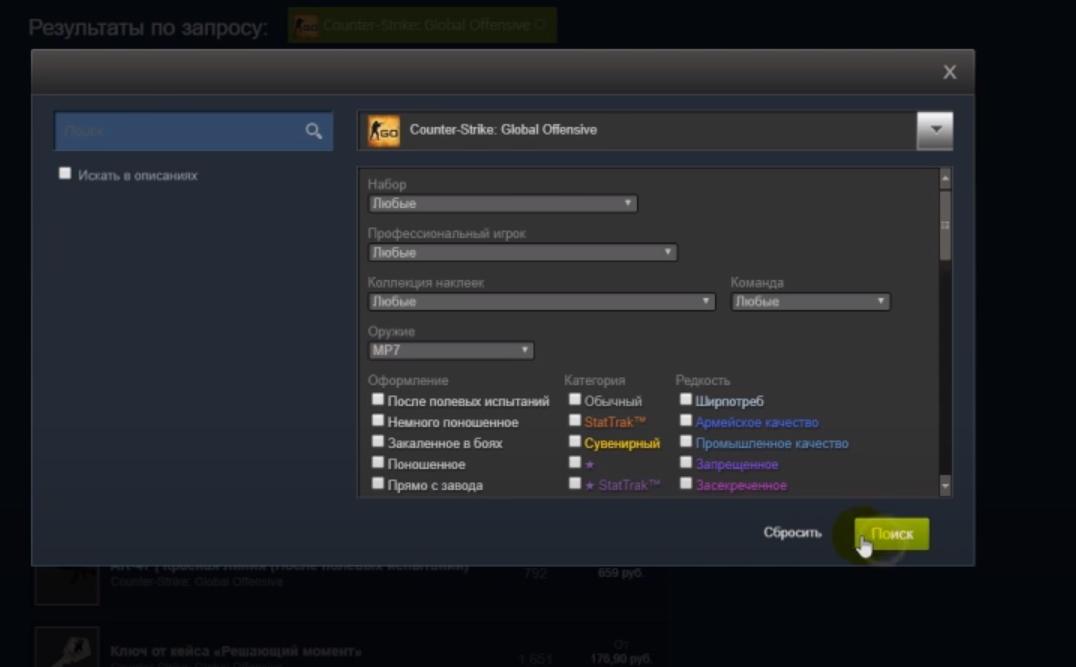
The purchasing process is quite simple. Go to the trading platform and open additional search settings, in which you need to enter the weapon/knife model or sticker type, and other accompanying information. Next, click “Search” and select the appropriate option.
Find the required skin, click “Buy” and accept the Steam user agreement. Don’t forget to confirm the transaction on your smartphone at the same time if two-factor authentication is enabled.
The transaction is completed — item in inventory.
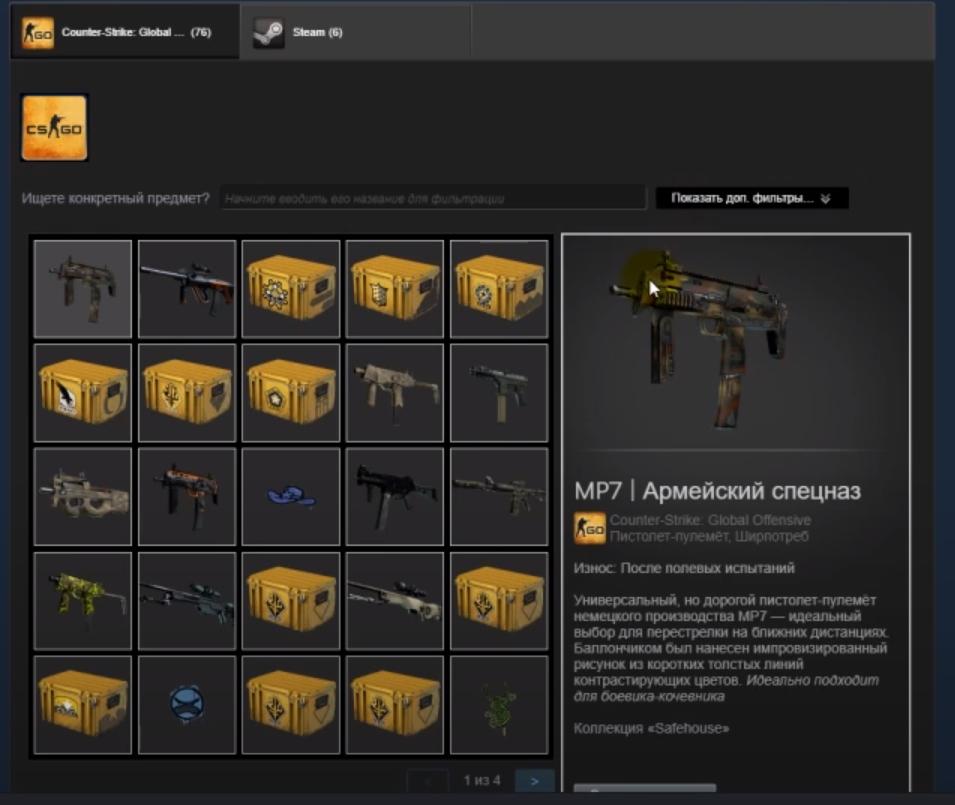
In the future, weapons or other items can be immediately put up for sale — There are no restrictions. But you can exchange with someone only after 7 days.
LIS-SKINS Store
If everything is more or less clear with the officials, then how to buy skins for CS GO through third-party services? Everything is simple — in our market. We have been working towards this event for a long time, creating all the conditions for a safe purchase within our site.
What are our advantages:
regular replenishment of the assortment with new skins, items and stickers;
promotions and discounts with or without reason;
opportunity to top up your account with in-game items you don’t need and exchange them for something useful;
convenient filter and navigation system;
instant delivery to inventory;
no additional commissions or hidden fees;
opportunity to inspect the item on our bot and inside the game before purchasing.
To complete a transaction, you do not need to register on our website and enter confidential data. All you need to do is log in via Steam (the button at the top right) and pre-fill your account in any convenient way:
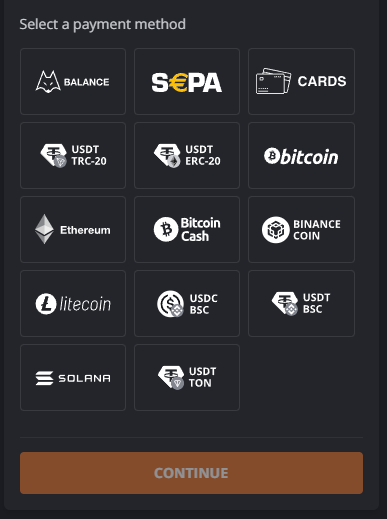
A complete list of payment systems will be available in your personal account depending on the selected region. We work with clients from Russia, Ukraine, Europe and the USA, providing a fast, safe and convenient way to complete a transaction.
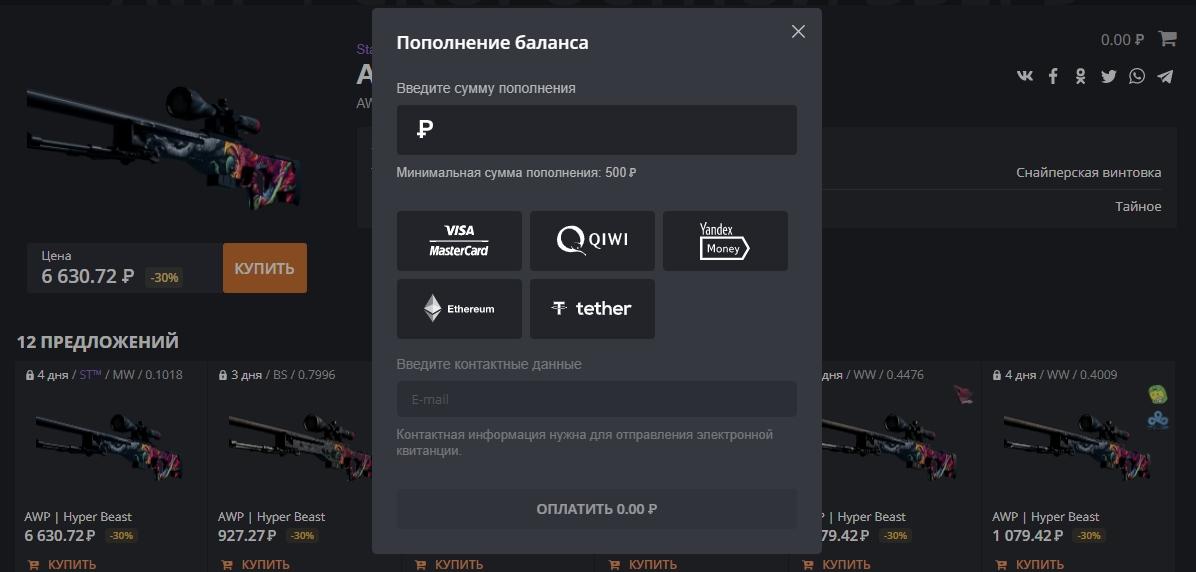
To buy an item on our trading platform, you just need to do the following:
Select the type of weapon/knife/sticker or agent in the corresponding “Type” filter on the left. Then further refine the criteria by such parameters as “Rarity”, “Wear” and "Other".

Let's assume this is a "Covert" sniper rifle with StatTrak counter.
But if you are looking for a specific product — just reset the filters and enter the required name in English in the search bar (this is important).
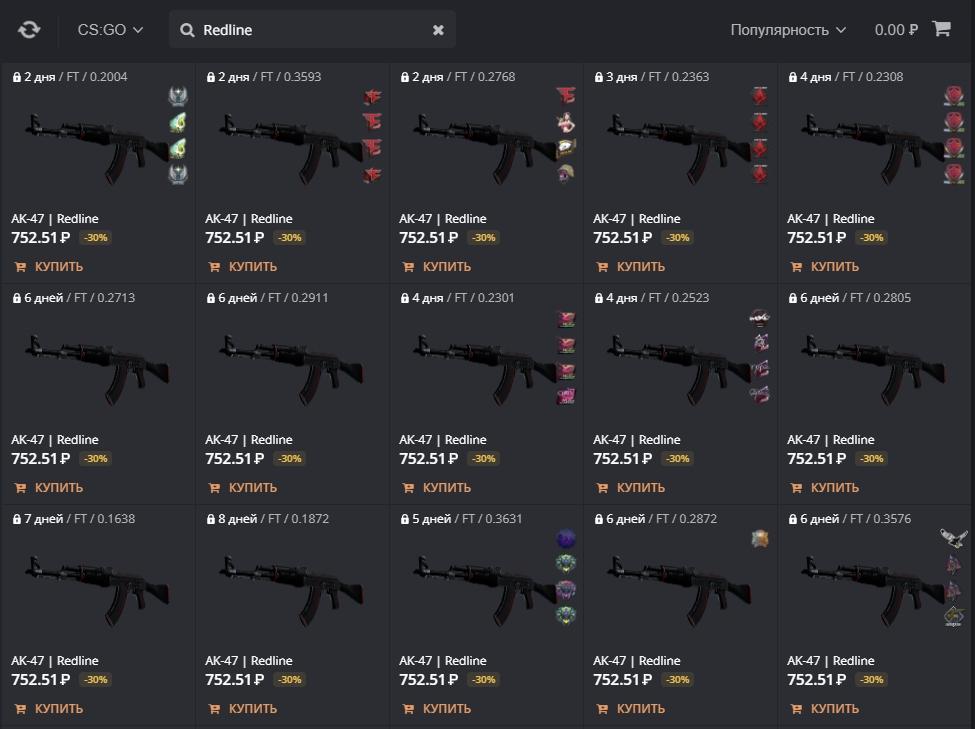
All that remains is to choose the optimal skin for yourself based on price, degree of wear and other parameters that you will determine for yourself. Next, you need to click on the product and add it to your cart.

You can continue making purchases — the item is already reserved so that someone else doesn’t accidentally buy it. And when you finish selecting everything you need — just go to your cart and confirm the transaction to purchase game items by choosing the payment method that suits you and filling out the appropriate fields.

Note: the minimum deposit amount will directly depend on the specific payment system or virtual wallet. Don’t forget about it.
Now all you have to do is wait for our bot to contact your account and transfer the skins. Usually this procedure lasts no more than 3–5 minutes. It all depends on the server load and the busyness of the bots, which at the moment may be trading with other buyers.
Important clarification: next to some skins you can see the “1–8 days until unlocking” icon. This is not a system error, but rather Steam’s policy regarding the purchase and sale of game assets. We would love to speed up or even eliminate this process, but we have to comply with the conditions of the platform holder and creator of CS:GO.