In modern Counter-Strike 2, team play is not just about competitive matches — it's also a great way to have fun with friends. Many beginners, and even experienced players, often ask: how to launch a map with friends in CS2 to practice together, experiment with tactics, or just have fun. This is especially relevant when you want to take a break from intense matchmaking and dive into informal game modes.
Game modes for playing with friends are gaining popularity thanks to their flexibility. There’s no pressure of ranks, no fear of ruining your K/D, and anyone can suggest their own rules and scenarios. In such sessions, a map with friends in CS2 becomes a great tool for aim training, learning smokes, or organizing a mini-tournament among your group.
Why Launch a Map With Friends in CS2
For many CS2 players, friends are not just teammates in ranked matches, but full-fledged partners for custom games. When you launch a map with friends in CS2, a lot of possibilities open up — from learning complex maps to rehearsing tactics and coordinating actions.
In unofficial modes, you can play mini-games, train aim on practice maps, or host fun challenges without any pressure. These sessions help beginners get comfortable with the game, while veterans can maintain their skills and unwind after serious matches. And all this happens without worrying about ruining your rating — because here, the focus is on atmosphere and teamwork.
Ways to Launch a Map With Friends
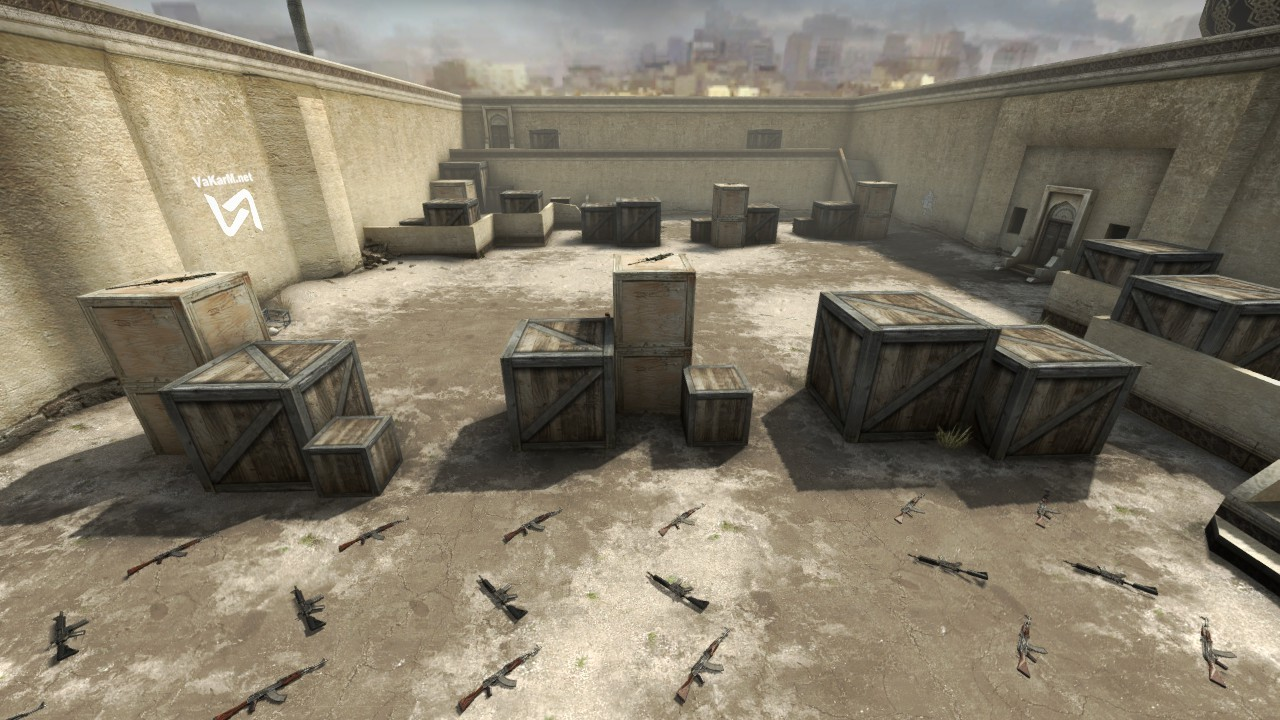
For those who want to spend time with friends in CS2, launching a map is the first step to a fun and productive session. Depending on the situation, you can choose from several options. Each of them suits different scenarios — from casual online meetups to local LAN parties without internet access.
Most often, players use the standard method — through the CS2 main menu. Simply click “Play with Friends,” create a lobby, select a map, and invite your friends through the interface. It’s the fastest and easiest way, especially if everyone is already online in Steam. In just a couple of clicks, you're on your favorite map, practicing grenades or just having fun with teamkills and chaos.
Experienced users also invite friends directly via Steam. Open your friends list, find the person you want, right-click their name, and choose “Invite to Lobby.” This method is especially convenient when gathering a team of players who don’t often launch the game itself but are active in Steam.
If you want to feel like a real server admin, there’s the console method. Just enable the developer console in settings and type the command map map_name to instantly load the selected location. If you need to connect to a friend’s server, use the command connect IP_address. This method is often used for testing manually installed maps or when the standard options don’t work.
And finally, there’s the good old method — LAN (local area network). This comes in handy when internet access is limited, such as at a countryside house or in the office after hours. It requires some setup, but the joy of face-to-face gaming with friends makes it all worth it.
One important note: if issues occur while launching a map, verify the integrity of CS2 files in Steam and make sure all players have the same map versions installed. Often, mismatched files or missing updates prevent friends from joining. In any case, launching a map with friends in CS2 is easiest through the standard Steam lobby — this method is time-tested and rarely fails.
Best Maps in CS2 to Play With Friends
Once the group is ready to play, choosing the map becomes a crucial part of the setup. It sets the mood for the session: will it be an intense aim training, relaxing surfing, or hilarious parkour with falls and screams over voice chat?
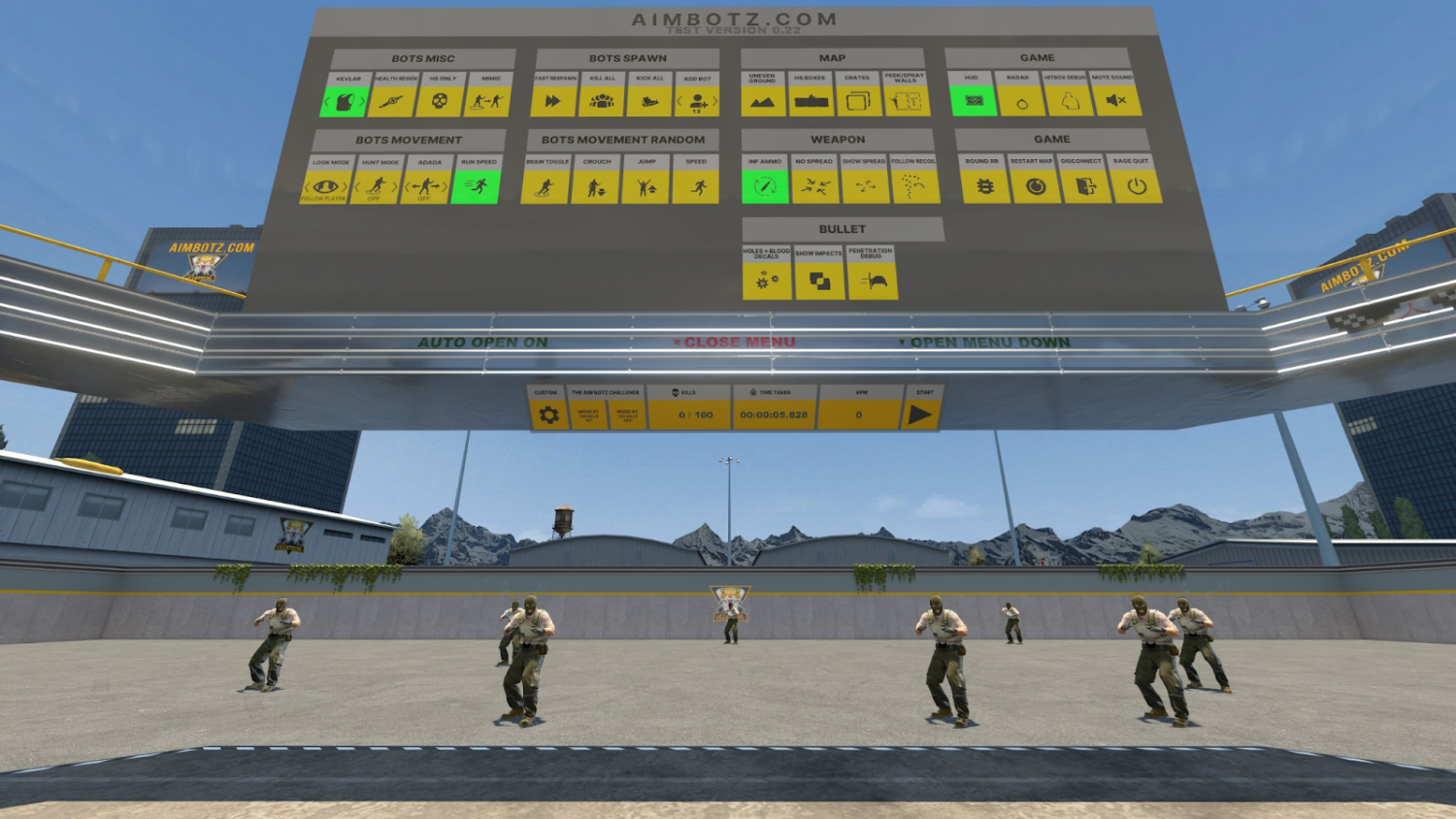
For players who want to improve their aim, training maps are the ideal choice. For example, aim_botz is a true classic. Here, you can work on reaction time, practice shooting from different positions, and even organize mini accuracy tournaments with friends. Another great option is training_aim_csgo2, which features multiple modes to refine both aim and reflexes.
If you're looking for something more laid-back, surf maps like surf_utopia are a great pick. They're perfect for players who want to just have fun, compete in agility, and master wave-surfing. Surf maps have long become a subculture within CS2, and for groups of friends — it’s one of the best ways to take a break from classic gunfights.
Fans of active and silly challenges will love fun_parkour. Jumping, tricky obstacles, and countless attempts to finish the map lead to jokes and loud laughter in voice chat. Here, it’s not about winning — it’s about participating and enjoying the chaos together.
These CS2 maps for friends let you experience the full potential of the game beyond standard matches. They not only help you practice skills, but also strengthen team spirit, turning an ordinary evening into a real adventure. After just a few hours on these maps, many players admit: it was custom game modes that made them fall in love with CS2 all over again.
1v1 Maps to Play With a Friend
If you want to go head-to-head, try CS2 maps made specifically for duels:
aim_map — a classic for 1v1 duels.
awp_india — perfect for sniper rifle lovers.
1v1_multimap — includes a variety of mini-locations for dueling.
You can set up a match using console commands: mp_roundtime_defuse, mp_restartgame 1, adjusting round time and count to your preferences. This format is ideal for sparring and sharpening individual skills.
Horror Maps and Unusual Modes With a Friend
In recent years, horror maps in CS2 with a friend have become increasingly popular. These are atmospheric custom maps where you have to solve puzzles, run from monsters, and survive in dark environments.
Top horror maps:
gm_haunted_mansion — a gloomy mansion full of mysteries.
escape_the_asylum — an escape from a mental hospital.
death_of_the_dream — a popular horror map series.
You can download these maps from the Steam Workshop. Once downloaded, they will appear in your map list, and you can invite your friend to play through them together.
Cooperative Maps to Play Together
Co-op maps in CS2 differ from standard matches. These maps feature missions, story elements, and tasks that require real teamwork. Some of the most popular co-op maps include:
mission_escape — a prison escape scenario.
coop_mission_rats — fun missions in a "tiny people" environment.
operation_blacksite — a serious challenge for two players.
Before launching, it’s a good idea to set proper parameters — for example, mp_limitteams 0 — so you don’t run into team size restrictions.
Installing and Launching Custom Maps
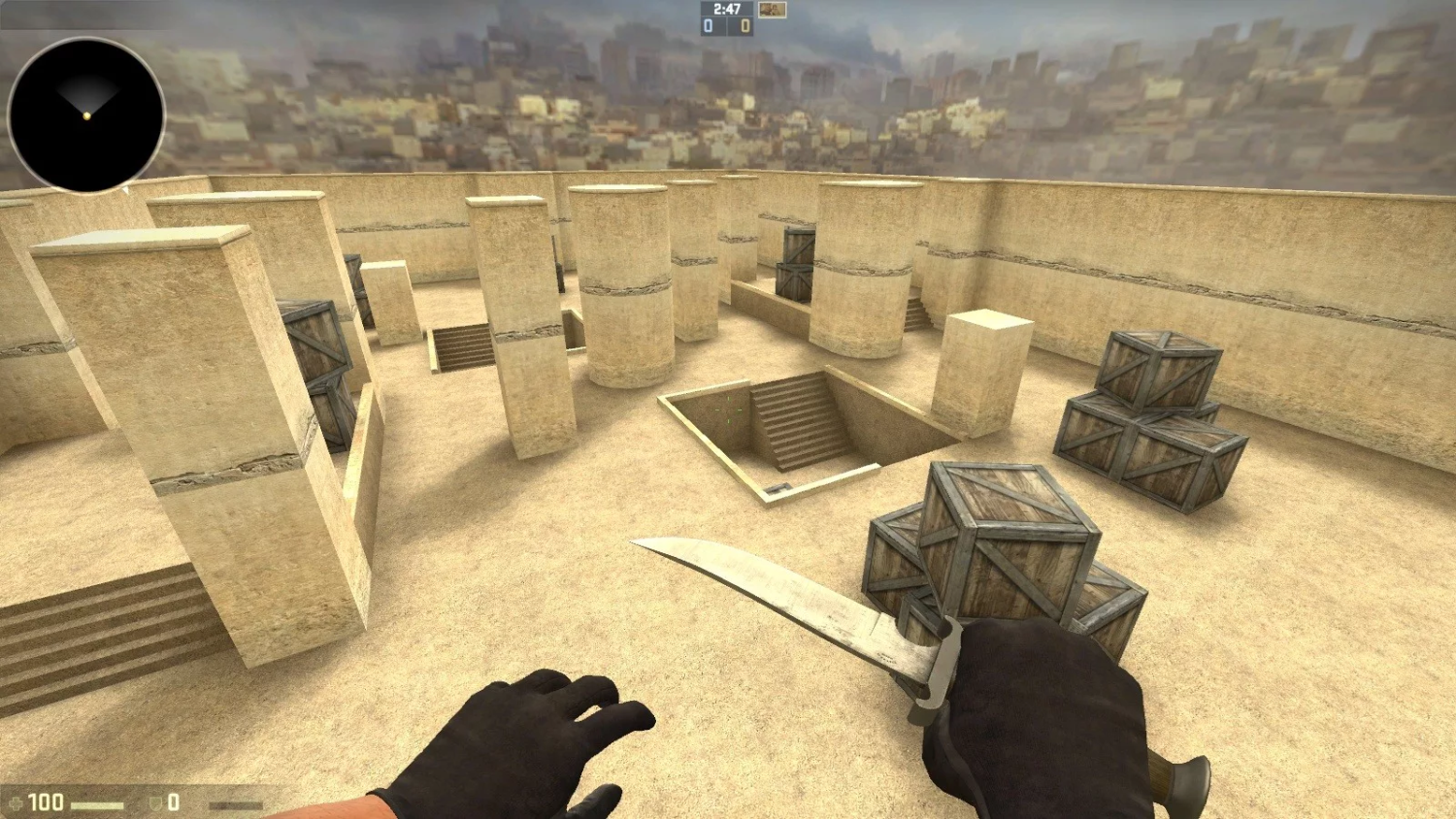
Custom maps are what give CS2 a second life. They let you go beyond the standard modes and try something truly unique — from thrilling horror quests to physics-based mini-games. However, new players are often intimidated by the installation process, even though it's quite simple.
Most of the time, new maps are downloaded directly through the Steam Workshop. Just open the "Workshop" tab, find a map you're interested in, and click "Subscribe." The map will be downloaded automatically and become available in your client. But sometimes, you’ll come across maps distributed as archive files — for example, from sites like csgo-maps.org or moddb.com. In those cases, a few extra steps are required.
To install a map manually, follow these steps:
Extract the archive and place the files in the
csgo/mapsfolder or the appropriate game directory.Check for conflicts with other mods. If there’s already a map with the same name in the folder, make a backup.
Restart CS2 so the game can detect the new files.
Launch the map via the console using
map map_name, or find it in the local game list.
Once installed, you can invite your friend to the lobby and test out the new location right away. Just make sure the map is installed on both systems. If your friend can’t connect, it usually means the file is missing or their version is outdated — it’s best to check that beforehand.
Settings and Commands for Playing With Friends
Once the map is launched — especially if it’s a custom location — it’s important to configure the game session properly. Without basic setup, a match with friends can quickly turn chaotic: bots may interfere, teams might be unbalanced, and rules could be all over the place. To avoid this, experienced players prepare the server in advance.
Here are a few helpful console commands:
sv_cheats 1 — enables access to additional settings like noclip.
bot_kick — removes all bots from the server to make room for friends.
mp_restartgame 1 — restarts the match from the beginning; useful after applying new settings.
mp_limitteams 0 — removes team size limits, useful for custom game modes.
mp_roundtime 60 — sets the round duration to 60 minutes for relaxed testing.
Before inviting a friend, players often spend a couple of minutes checking these parameters. This helps avoid awkward pauses during the session and allows everyone to jump straight into the action. If you’re planning a long sparring session or co-op gameplay, you can even preconfigure rules in a config file — such as number of rounds, starting money, or automatic team switching.
These commands for playing with a friend help make the session not only more comfortable but also much more efficient. They give players full freedom to turn any map into a unique gaming experience.
Common Errors and Fixes When Launching a Map
When you’re ready to spend a few hours on your favorite map with a friend, nothing is more frustrating than technical issues. Even experienced players run into cases where a friend can’t join the lobby or the server won’t launch. To save yourself the headache, it’s best to know the most common problems and how to fix them quickly.
One of the most frequent issues — your friend can’t join the game. In most cases, it’s due to lobby privacy settings. If it’s set to “private” or “invite only,” connecting without a direct invite won’t work. Experienced players recommend always checking the “Lobby Access” setting and switching it to “Friends Can Join” to avoid this. If that doesn’t help, make sure both players are using the same version of the map.
Sometimes CS2 throws a map loading error. This happens when one player doesn’t have the map, or the version differs from what’s on the server. This is especially common with custom maps from the Steam Workshop. To resolve it:
Check Workshop subscriptions and confirm both players have the same map installed.
Delete the problematic map from
csgo/mapsand restart the game to re-download it.
Occasionally, the server crashes immediately after launch. This may be due to corrupted game files or outdated drivers. Verifying file integrity in Steam and updating your graphics drivers usually helps. Experienced players also recommend disabling third-party mods or skins temporarily, as they can sometimes cause conflicts.
High ping is another common issue. If one player experiences lag, it may be due to unstable internet or a distant server location. To reduce lag, it’s best to launch the server in a region close to most players. Sometimes even a simple router restart does the trick.
Why You Should Try Playing Maps With Friends
Playing CS2 with friends is a unique experience — free from stress and rank pressure. You can train, test new tactics, or simply have fun. Create a lobby, invite your buddy, and see for yourself: playing maps with friends in CS2 is the best way to truly enjoy the game.