In Counter-Strike 2, grenades play a pivotal role in every tactical situation. They’re not just “toys” you toss to distract the enemy — the right timing and an accurate throw can determine the outcome of a round. Many players wonder how to get unlimited grenades in CS2 for practice, how to master their throws, and which console commands make training easier. In this article, we’ll take a detailed look at what CS2 grenade commands are, why they matter, and how they can help you level up your gameplay.
What Are “Grenade Commands” in CS2?
Many beginners don’t fully understand the purpose of these console tricks. In reality, a grenade command in CS2 helps not only with practicing throws but also gives you full control over timing and trajectory. It allows you to enable unlimited grenades, visualize their flight paths, and repeat throws without extra hassle.
Here are the key features and scenarios where they come in handy:
sv_grenade_trajectory 1 lets you see the flight path of your grenade.
sv_rethrow_last_grenade — rethrows the last grenade in CS2.
Setting up a practice server and configuring binds for convenience.
These commands are especially useful on maps like Mirage and Inferno, where every inch of smoke or flash matters.
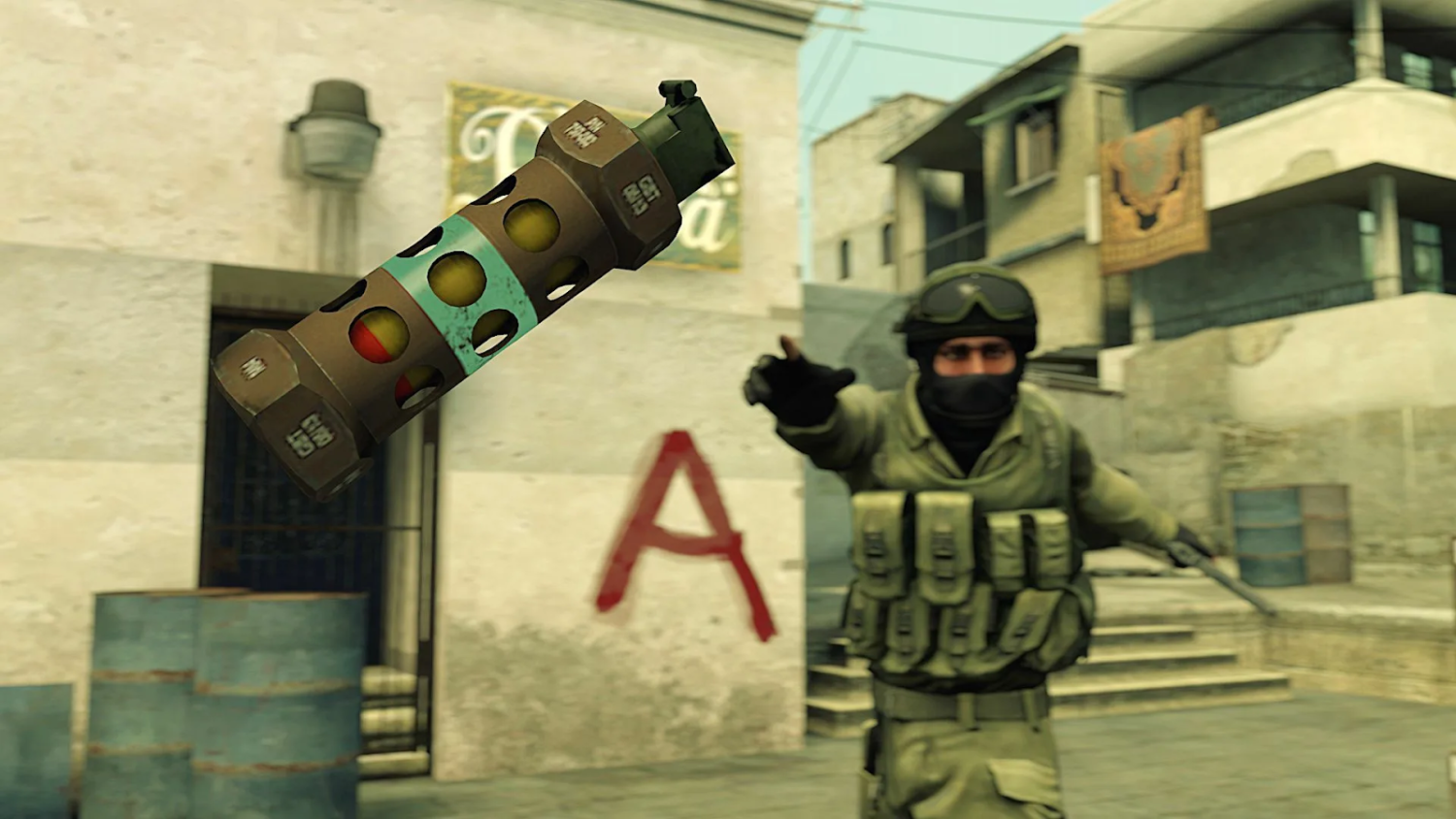
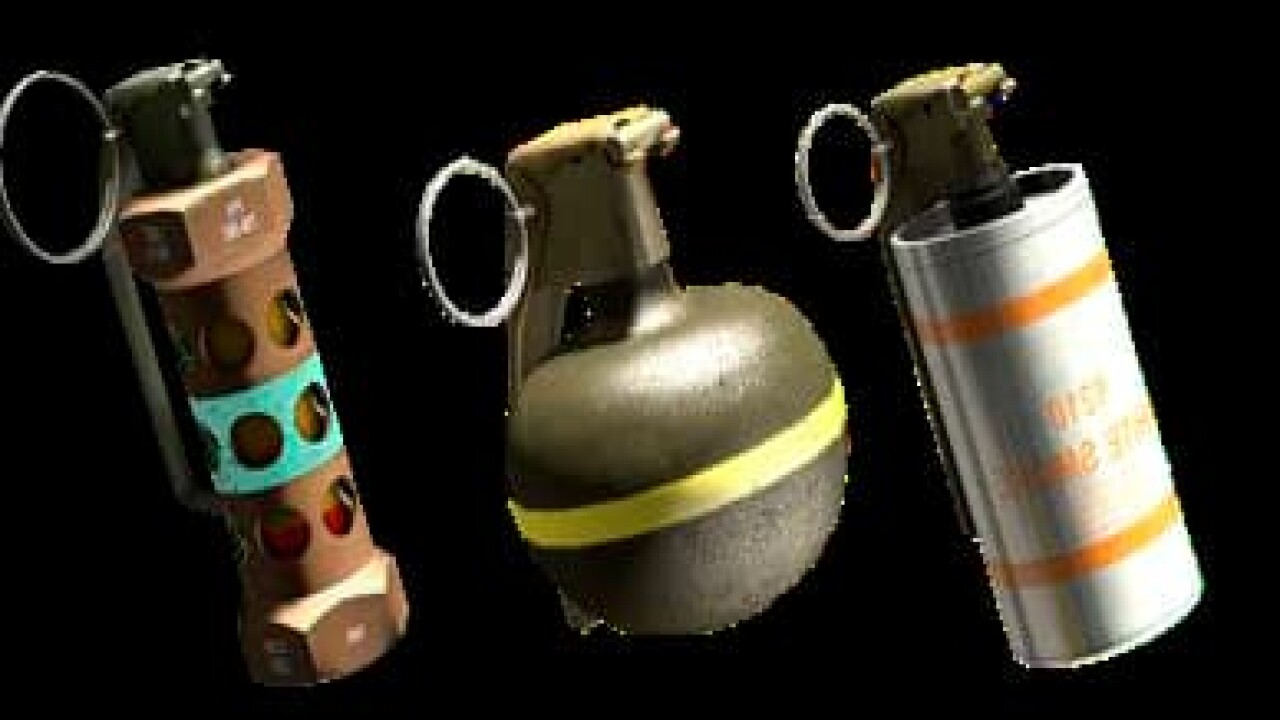
Types of Grenades in CS2 and Their Functions
A smart player must understand how each grenade works and what it's meant for. This knowledge helps you make faster decisions in matches and respond effectively. Each grenade in the game serves a unique purpose and can change the course of a round.
Flashbang
Description: blinds enemies looking in its direction when it explodes.
Usage: used for entry, site takes, or defensive holds.
Role: on offense — clearing positions, on defense — counter-flashes.
Flashbangs are a must-have for every player. They help your team push or rescue teammates in tough situations.
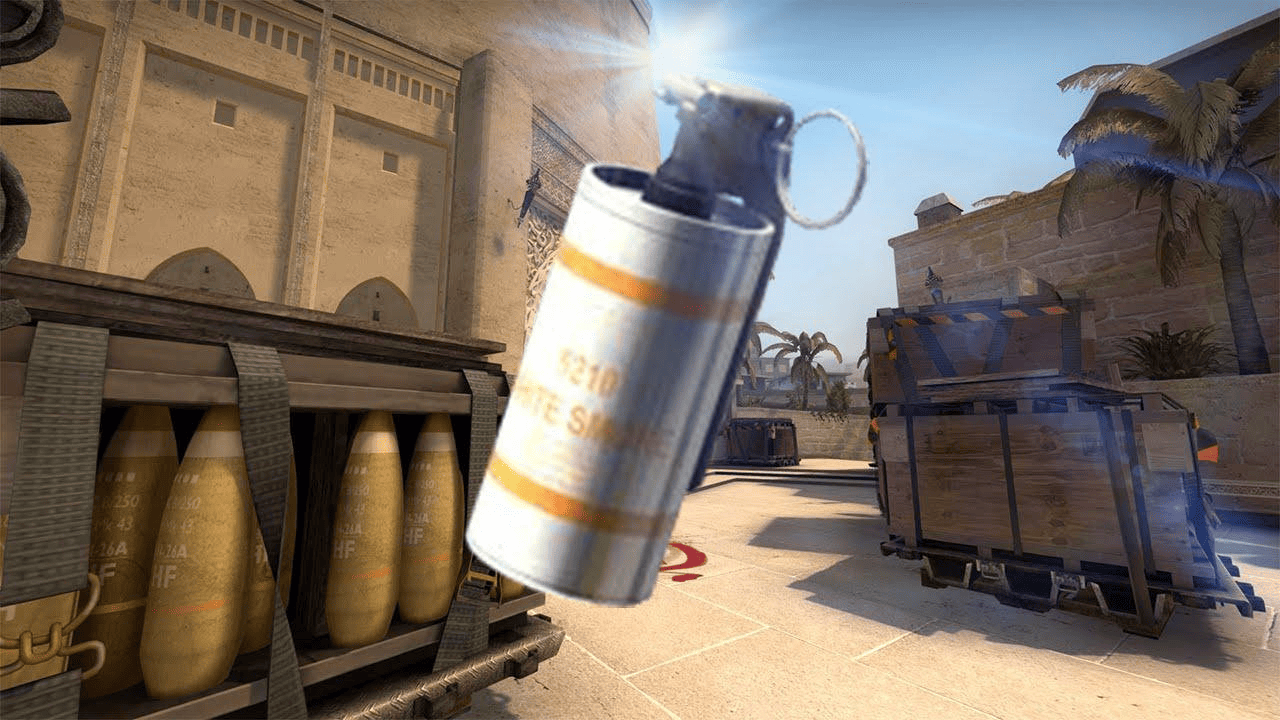
Smoke
Description: creates a thick smoke screen, blocking vision.
Usage: cutting off angles, fakes, retakes.
Role: on offense — blocking CT or connector, on defense — delaying pushes.
Smoke grenades are the backbone of any tactic. They’re essential for retakes and site entries.
Molotov / Incendiary
Description: ignites an area, dealing damage over time.
Usage: blocking paths, clearing out corners.
Role: useful both on offense and defense.
Molotovs are great for area denial and flushing enemies out of hiding spots.
HE Grenade
Description: deals area damage on detonation.
Usage: finishing off low-HP enemies, damaging grouped players.
Role: a versatile utility grenade in any situation.
This is your go-to grenade when you need to deal quick damage behind cover.
Decoy
Description: mimics gunfire and distracts enemies.
Usage: faking presence, baiting rotations.
Role: rarely used at high levels, but can be misleading when used well.
Decoy is an underrated tool, but in the right hands, it can be surprisingly effective.
Each grenade in CS2 has its own unique purpose, and players should consider that when forming their tactics. Using the right grenade at the right moment often determines who wins the round. To feel confident in matches, it's crucial not just to know their functions but to practice your throws consistently.
How to Activate Grenade Commands in CS2
Start by opening the console (~). If it doesn’t work, enable it in the settings. CS2 grenade commands help you train your throws comfortably. After enabling sv_cheats 1, you can enter the commands you need.
Before training, use these commands:
sv_infinite_ammo 1 — unlimited grenades in CS2.
sv_grenade_trajectory 1 — shows the grenade path.
sv_grenade_trajectory_time 10 — sets how long the path remains visible.
sv_showimpacts 1 — shows bullet and nade impacts.
sv_rethrow_last_grenade — repeat the last grenade throw in CS2.
noclip — free flight mode to check positions.
These commands greatly simplify the process of mastering difficult throws and help you achieve better results faster.
Grenade Training: Step-by-Step Guide
If you want to improve your throwing skills, it’s important to set up your practice correctly. Many players ask: how to set up grenade training in CS2? The answer is simple — you need a local server and a few key commands.
Create a local server via “Play with Bots” → “Single Player.”
Open the console and enter the CS2 grenade training commands.
Download a custom training map (e.g., training_aim_csgo2).
Use the sv_rethrow_last_grenade command to repeat throws.
Mark landmarks and angles on the map (e.g., antennas, windows, beams).
Record your throws on video for review.
Follow these steps to memorize lineups faster and confidently apply them in real matches.
Binds and Handy Commands for Real Matches
Setting up binds in CS2 may seem minor, but it can be the difference between winning or losing a round. Beginners often overlook it, while seasoned players know that grenade binds in CS2 save precious time and let you focus on strategy instead of key combos.
Every player eventually finds a personal bind setup. For example, buying grenades quickly at round start saves time, while a jump-throw bind lets you consistently land flashes without fumbling key presses. This is especially useful in high-pressure situations when you need to throw and push immediately.
Here are a few helpful binds everyone should set up:
Quick buy: bind "kp_end" "buy smokegrenade"
Fast flash: bind "mouse4" "use weapon_flashbang"
Jump-throw:
alias "+jumpthrow" "+jump;-attack";
alias "-jumpthrow" "-jump";
bind ALT "+jumpthrow"
When configuring binds, consider both convenience and muscle memory. Everyone has their own preferences — some use ALT, others the mouse wheel, and some bind actions to dedicated device buttons. The goal is to streamline gameplay, not complicate it.
The CS2 grenade bind command is your path to consistency. Once everything is set up properly, you’ll avoid unnecessary mistakes and gain an edge in critical rounds. Test your binds on a practice server before using them in matchmaking or FACEIT — this helps your hands get used to them and ensures smooth execution during matches.
Such fine-tuning gives you full control over your utility. In CS2, the victor isn’t always the fastest shooter — it’s often the smartest player who uses every grenade to its full potential.
Tactical Use of Grenades
To be a valuable team player, you need to understand how to use grenades tactically. Without that, your throws will be random and often ineffective. Let’s explore where and how to best use different grenades.
Offense
Mirage: smoke CT and stairs for an A site push.
Inferno: molotov into “apps” to flush out campers.
Dust2: flash over upper tunnel onto B site.
These tactics help break through defenses and force mistakes from the enemy team.
Defense
Delay enemy push with a smoke on Banana (Inferno).
HE against enemies rushing through tunnel on Dust2.
Decoy to fake a rotation.
These moves are especially effective when holding defensive positions.
Maps and Grenades: Examples on Popular Maps
To master grenades, it’s helpful to study specific maps. Grenades in CS2 behave differently depending on the map, and it’s important to know that. Every elevation, corner, and wallbang spot has its own dynamics — a smart player uses this knowledge to maximize their team’s tactics.
Mirage
On Mirage, success on either side depends heavily on effective use of smokes, flashes, and molotovs. The classic jungle smoke from T-spawn is a must-know for any player pushing A site. But there are other essentials too: a flash from apartments that blinds anyone on site, or a molotov into underpass to cut off defenders rotating. Mirage demands awareness of vertical angles and how smokes behave — not every smoke will land as you expect. To avoid mistakes, watch pro demos and rehearse grenades on a local server with trajectory enabled.
Inferno
Inferno is the textbook map for mastering smokes and mollies. Every inch matters. One key defensive throw is a molotov into apartments to delay a rush. On attack, a CT smoke during a B split can isolate defenders. Top players also often use early-round HE grenades on Banana to chunk down rushing opponents. But beware — tight corridors mean one misthrown smoke can give enemies vision. Practice in live timing scenarios with your team to build confidence.
Overpass
Overpass requires creativity due to its unique layout. A smoke on Heaven when attacking A site helps block out the AWPer and plant safely. Molotovs into bathrooms or HEs into Monster are also highly effective. A well-placed flash from lower bridge can blind defenders holding B. On defense, success depends on strong comms and the ability to reposition quickly, using smokes to stall pushes.
On all these maps, it’s not enough to know grenade lineups — you need to understand the full tactical context. CS2 grenade training on real maps isn’t boring routine — it’s your foundation for confident gameplay and outsmarting more prepared opponents.
Common Mistakes When Using Grenades
Even experienced players make grenade mistakes. The CS2 grenade command helps not just with practicing throws but also correcting these common issues:
Overthrowing or falling short.
Flashing teammates instead of enemies.
Throwing smokes too early — they fade before engagement.
Throwing without info or purpose.
Avoiding these errors significantly improves your impact in games.
Tips for Improving Your Grenade Skills
To truly master grenades, a local server isn’t enough. You also need to learn from pros and train consistently:
Watch POV demos of pro players (e.g., S1mple, ZywOo).
Study pro matches from teams like NAVI, G2, Vitality.
Use Workshop maps for drills.
Sync grenade timings with team executes.
Every training session brings you closer to a pro-level game sense.
Why Grenades Matter Most: Final Thoughts for CS2 Players
Mastering grenade use in CS2 is what separates experienced players from beginners. The grenade command in CS2 allows for fast and effective practice, learning lineups, and developing tactical depth. Consistent training and game analysis are the keys to growth. Don’t be lazy — open that console and perfect each throw. Sometimes, one well-placed grenade can win an entire round!