More and more players are wondering how to add bots in CS2 to turn a regular offline match into a full-fledged training ground. Working with bots is one of the most convenient ways to practice shooting, learn maps, test grenades and tactics without the pressure of real opponents. With the transition to the Source 2 engine, many things have changed, including the command system and AI behavior, so it’s important to understand which console commands and parameters actually work in CS2 and which may be outdated or inactive.
First, you need to understand: everything takes place either in a local game or on your own server. To configure everything, you need to enable the developer console — this is done through the game settings. After that, you can enter commands that change team compositions, bot behavior, and round conditions.
How to Enable Bots and Control Them via Console
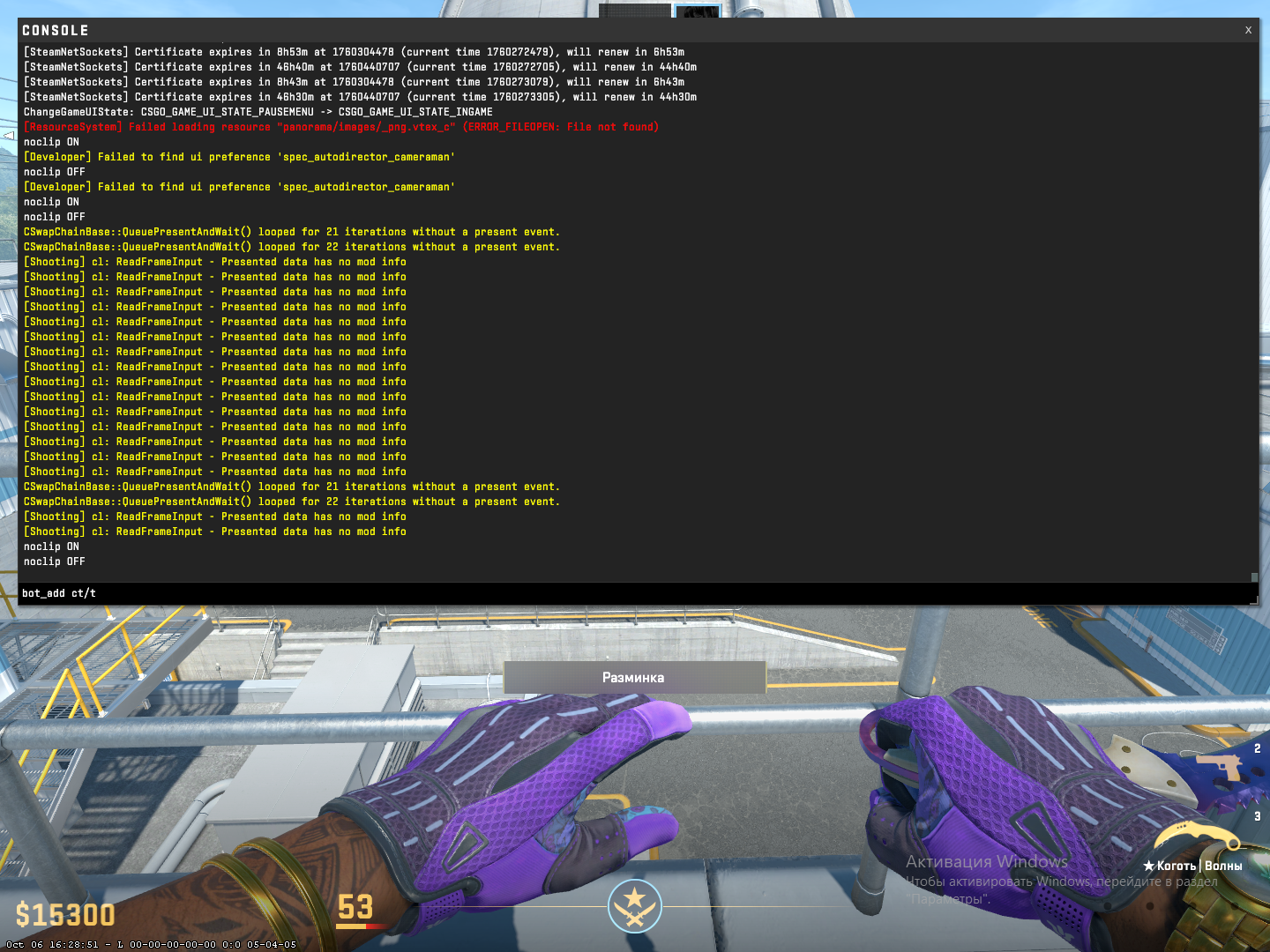
The easiest way is to start a match with bots through the CS2 main menu. But for more flexible control, it’s better to use the console:
bot_add — adds one bot to a free team;
bot_add_ct — adds a bot to the CT team;
bot_add_t — adds a bot to the T team;
bot_kick — removes all bots;
mp_restartgame 1 — restarts the round.
Note: these commands are available in local matches or on your own local server (not in matchmaking).
Adjusting Bot Difficulty
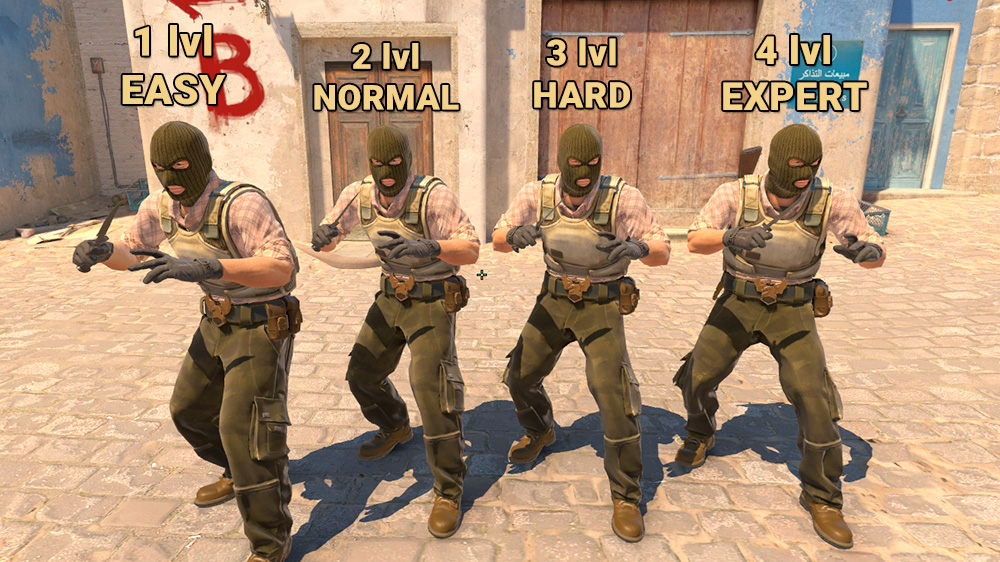
To make your training truly useful, you need to figure out how to make bots harder in CS2. This can be done using the bot_difficulty command, which sets the AI level:
bot_difficulty 0 — easy
bot_difficulty 1 — normal
bot_difficulty 2 — hard
bot_difficulty 3 — expert
Example configuration:
bot_kick
bot_difficulty 3
bot_add_ct
This method is especially useful if your goal is to make bots more experienced in CS2 to simulate real gameplay situations. As the level increases, they react faster, shoot more accurately, act more aggressively, and make fewer mistakes. It’s a great way to train for clutch situations and map reading.
Additional Difficulty and Behavior Parameters
If setting the difficulty alone isn’t enough, it’s worth learning how to make bots smarter in CS2. In addition to bot_difficulty, the developers added several advanced options:
bot_stop 1 — stops all bots.
bot_mimic 1 — bots mimic the player’s movements.
bot_ignore_enemies 1 — bots ignore enemies.
Combining these parameters helps you create training scenarios. For example, when practicing smokes or grenades, you can completely immobilize opponents. For advanced shooting — on the contrary, enable maximum bot behavior.
Using bot_chatter off disables bot voice reactions, and bot_defer_to_human 0 lets them act independently, without following the player.
How to Add Many Bots: 20, 50, or More
Sometimes you need more than just a couple of opponents — for example, to practice spray control or test behavior during large firefights. That’s when the question arises: how to add many bots in CS2, or more specifically, how to add 20 bots or more in CS2.
To do this, you’ll need to disable team balancing:
mp_limitteams 0
mp_autoteambalance 0
bot_quota 50
bot_quota_mode fill
After that, you can add bots using bot_add_t / bot_add_ct
Players wondering how to add 50 bots in CS2 can use binds or scripts to speed up the process. However, keep in mind: with a large number of bots, your FPS may drop, especially on weaker systems.
Table: Bot Behavior by Level
Level | Reaction | Accuracy | Use of Cover | Team Coordination |
0 | Slow | Low | Almost None | Minimal |
1 | Average | Average | Occasionally Uses | Present, but Unstable |
2 | Fast | High | Actively Takes Cover | Coordinates with Team |
3 | Near-Instant | Very High | Uses Map Cover | Coordinated |
This system allows you to precisely adjust bot difficulty in CS2 based on your current objective—be it warm-up, team setups, or individual techniques.
Note: this is a simplified model based on player experience, not an official description of bot behavior. The official CS2 documentation does not provide such detailed breakdowns for each level.
How to Make Bots Invincible
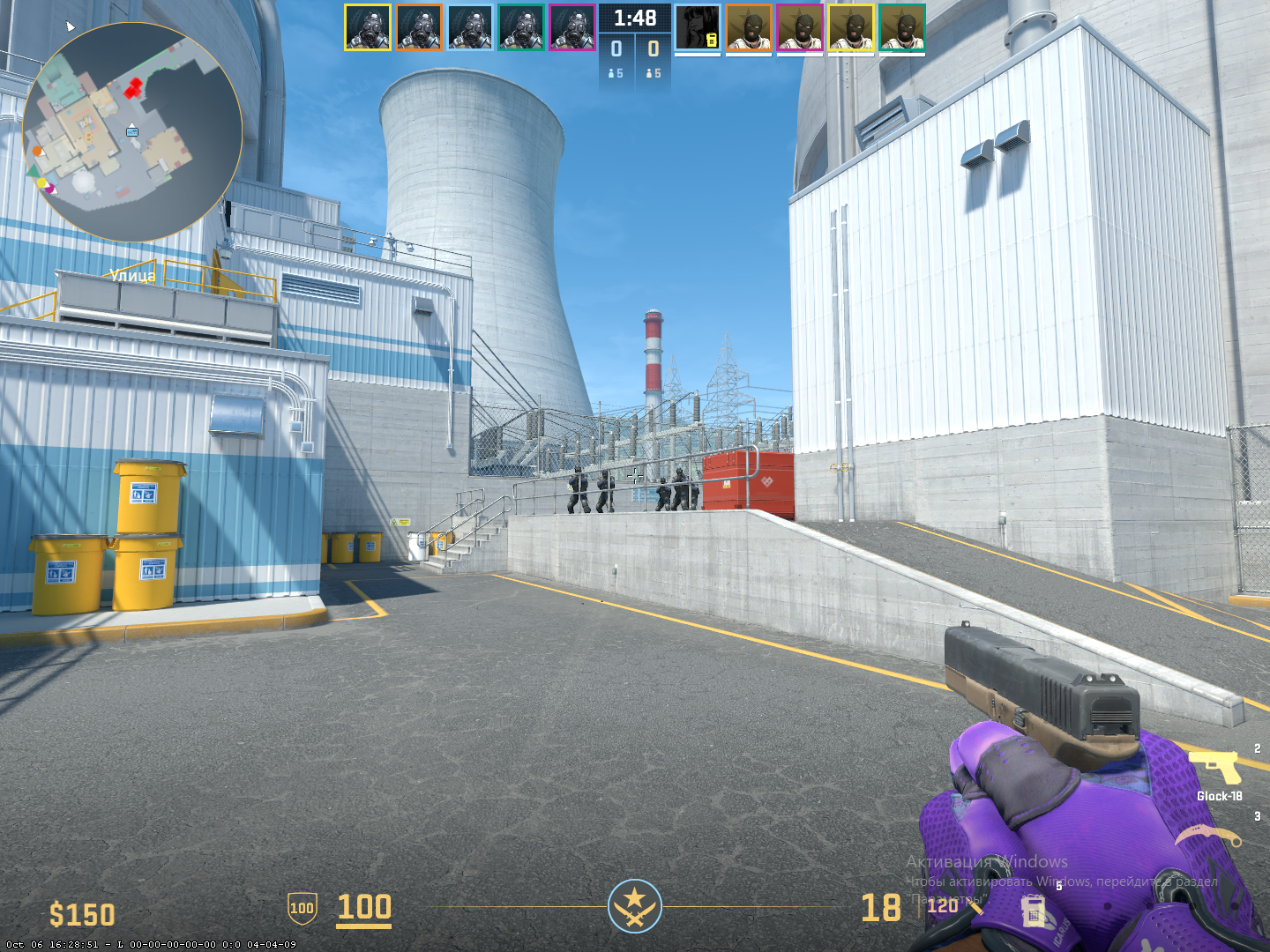
Sometimes in training, you don’t want bots to be aggressive or even vulnerable. This is especially true when a player wants to focus on something specific—like practicing smokes on B site, memorizing spawn exit timings, or testing grenade throws in a live-like environment. In these cases, constantly dying or shooting bots only get in the way.
There is no direct command in CS2 that makes bots invincible. But there is a set of settings that allow you to achieve a similar effect:
Before using these commands, make sure the console is enabled (if not already) and activate cheat mode via sv_cheats 1 if you need to use the god command.
Here’s a minimal list of commands and how to use them:
bot_dont_shoot 1 — disables shooting for all bots. Especially useful for pressure-free training where the player shouldn’t take damage.
bot_ignore_enemies 1 — bots completely ignore players and their actions, even on direct contact. Very convenient for practicing positions or movement drills.
sv_cheats 1 + god — enables invincibility for the player, not the bots, but when combined with other commands it creates nearly ideal conditions for testing and learning.
Using these commands together, you can create a comfortable training environment free of distractions—perfect for refining grenade mechanics, learning pixel lineups, or simply exploring a new map in peace.
It’s also worth checking out Steam Workshop maps. Many creators include built-in logic so bots don’t move, shoot, or die. This is especially useful if you don’t want to manually configure everything each time—just load the map and start practicing.
For players who take CS2 seriously, the question of how to make bots invincible in CS2 isn’t about “god mode for fun,” but about tools that help you train effectively. With fewer distractions, your progress becomes significantly more productive.
Customizing Bot Behavior: Weapons and Style
Once a player is familiar with basic commands and difficulty levels, the next step is to make training sessions feel like real match conditions. Not just shooting bots for reaction time, but simulating specific in-game situations—like an eco round, an AWP duel, or a tense clutch entry. In these cases, it’s important to control what weapons bots use.
Weapon restriction commands allow exactly that. Instead of chaotic firefights with bots using random weapons, players can focus on narrow goals—improving pistol aim, learning to peek snipers, or practicing pistol rounds after an eco reset.
Here are the most commonly used commands:
bot_pistols_only — disables all weapons except pistols. Great for practicing pistol rounds or low-economy scenarios. Especially useful for support players or those often limited on funds.
bot_snipers_only — equips bots with AWP and SCAR-20. This “high-pressure” scenario is great training for entry-fraggers and lurkers who need to take out snipers first.
bot_knives_only — bots run around with knives, making them excellent moving targets. Many use this for warm-up: shooting fast-moving, erratic targets builds accuracy.
bot_all_weapons — removes all restrictions. Use this when you want to train in standard combat conditions—like the final stage of a training session.
These aren’t just commands. They’re tools for turning boring bot games into real match simulations. It’s not just about “hitting the target,” but understanding how and why you win a micro-situation. Each command becomes another step toward confident ranked play.